I save prompts and prompt fragments I regularly use with ChatGPT, Claude, etc.
(Prompt fragments are just prompts used along with other prompts. They’re typically smaller. But the difference isn’t important or anything… I just use two methods.)
I use a script triggered by Ctrl Alt P to select the prompt to paste.
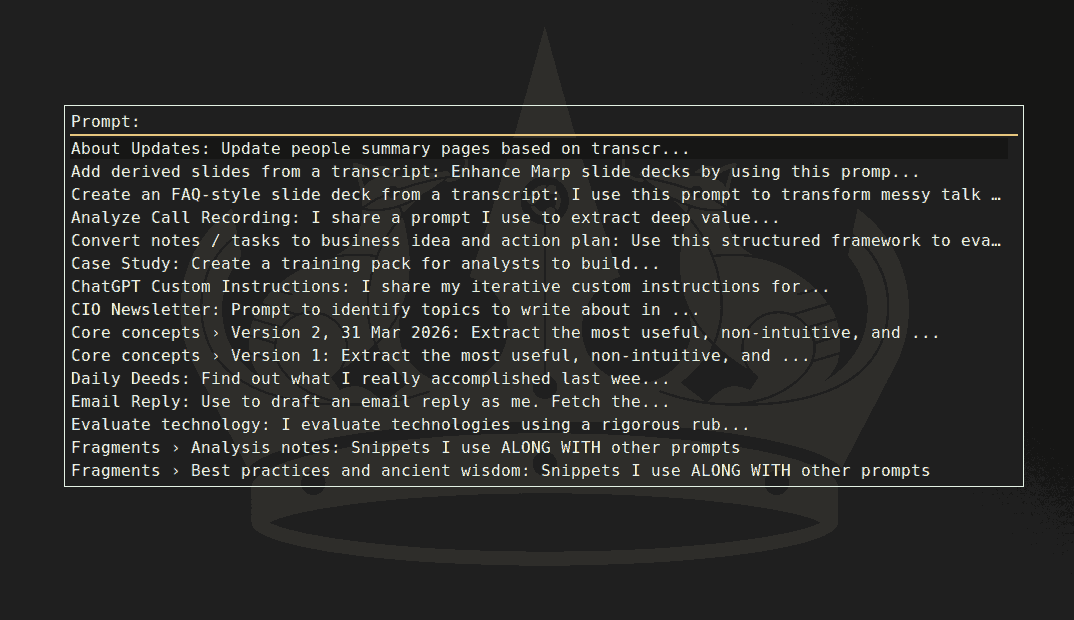
This month, the five prompts / fragments I used the most were:
#5: Reframe question skill.
Sometimes, I’m not sure I’m asking the right question. Actually, I’m not even sure what I’m asking.
“Reframe question” roughly says, “Guess what I really need, say it, then answer.” The “say it” part is very helpful - I find out what I really meant to ask (or correct it.)
This is actually a skill, but since ChatGPT Plus does not yet automatically load skills in the “Chat” mode, I need to paste this manually.
#4: Compare models
I ask the same question to ChatGPT and Claude (and sometimes Gemini) and ask for a second opinion. That way, I get the best of both models, more thinking, and a sense of which models are good for what. As of now, I prefer:
- ChatGPT: For analytics, rigor, algorithms
- Claude: For strategy, soulful writing, creativity, front-end code
- Gemini: For learning, readable writing, foreign language, people search
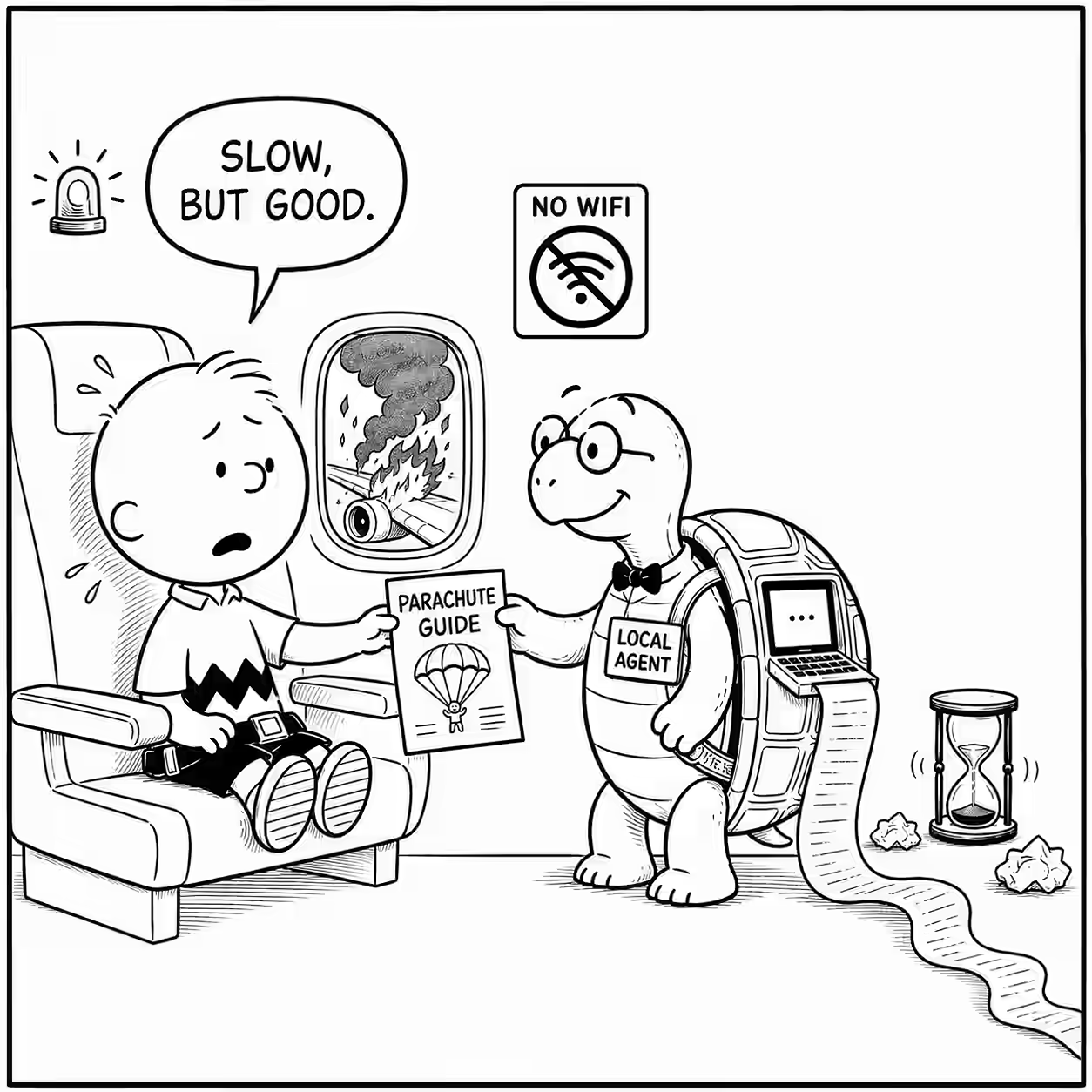
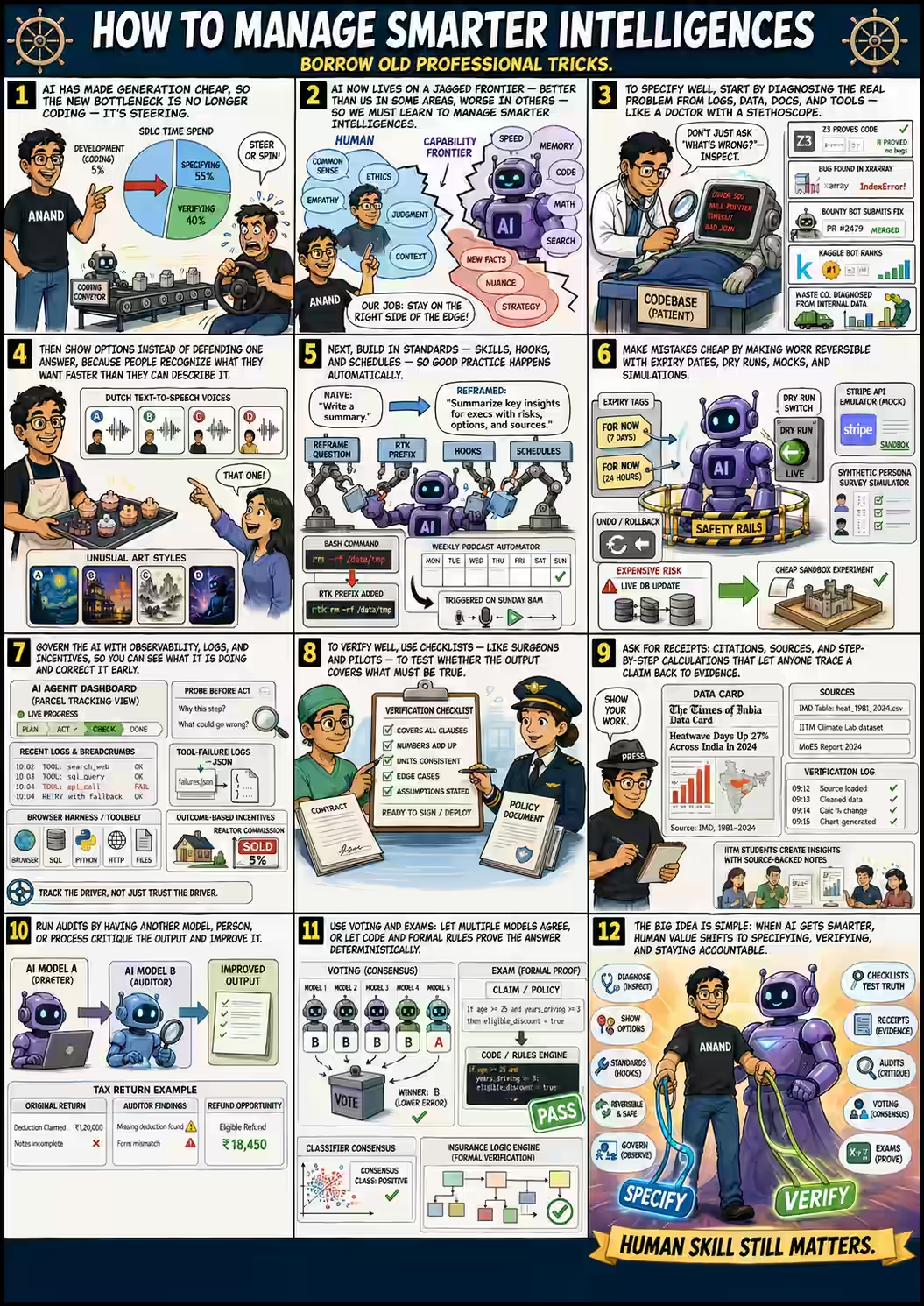
#3: Comic strip + Comic page
I paste my blog posts, talk transcripts, etc. and ask it for a single panel or full page summary. The panels are usually funny. The pages aren’t too informative but they’re usually engaging.
#2: Email Reply
Most of my email replies are based on this prompt. For over 80% of my emails, I just send its response as-is, and for about 15%, I send it with minor tweaks.
(To be fair, I wouldn’t have bothered replying to many emails earier, so the percentage I need to correct seems smaller than it really is.)
#1: Meeting transcript context
This is my top prompt. It creates a prompt to transcribe meeting recordings.
Now, that’s a weird thing to do, but here’s the situation.
- Google Meet (and Teams) have poor transcripts. Whisper, Gemini, and most other models are much better. Here’s how I use Gemini.
- But Gemini (like other multimodal models) doesn’t label speakers well - it doesn’t know who said what and gets names wrong sometimes.
- Giving Gemini a hint about who said what works quite well. After some testing, I hit upon this prompt, which says, “Give examples of who said what so that a good model can label speakers.”
I run this after almost every meeting, so understandably, I use this a lot.
Here’s the usage count in August:
| Count | Prompt |
|---|---|
| 55 | Meeting transcript context |
| 47 | Email Reply |
| 19 | Comic strip + Comic page |
| 16 | Compare models |
| 11 | Reframe question |