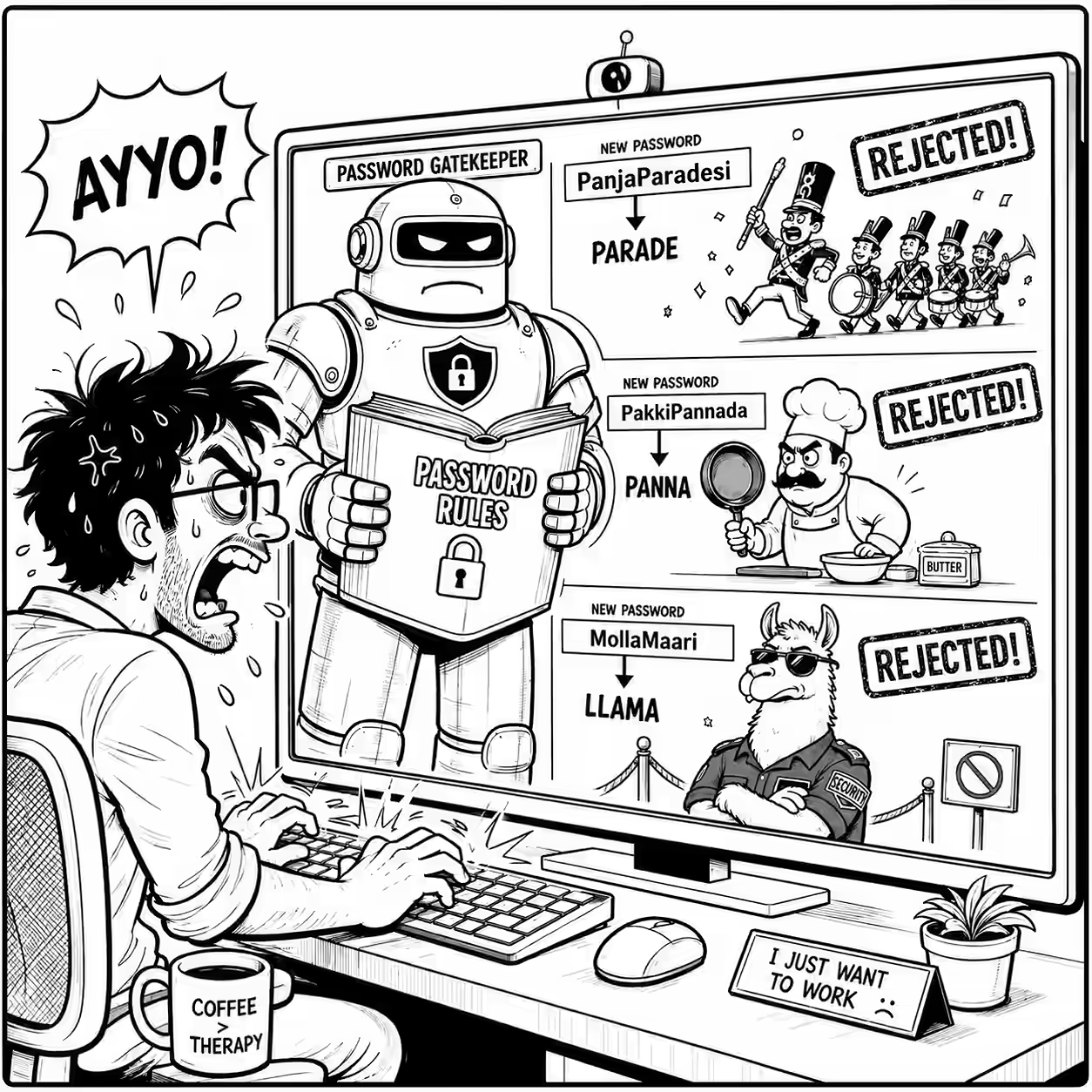
At work, we have to change passwords every 2 months. The password rules are stringent and it typically takes me 10 minutes to find one that works.
Here are the rules:
- The password being setup must have a minimum length of 12
- Minimum number of special character to be included in the new password is 1
- Must contain at least 1 upper case character(s)
- Must contain at least 1 lower case character(s)
- Minimum number of numeric characters to be included in the new password is 1
- The construction of the password cannot contain Palindromes. The system has been configured to prevent such passwords
- The system is configured to not allow the last 24 passwords. A password once setup is valid for 60 days after which it expires. A password once setup must be used for a minimum of 2 days
- A list of common words has been restricted to be used as passwords. This list is available on the password change page of the self service portal
- The construction of the password must not contain 5 consecutive characters from the Username or previously used passwords
This is so complex. Rules #5 and #8 makes it especially tough. I tried all my standard password strategies:
- Rotating passwords. But I can’t rotate passwords for about 4 years (24 passwords x 2 months each)!
- Tweaking old passwords. But you can’t use 5 consecutive characters from old passwords!
- Using passphrases. But common words are banned!
So I decided to swear at it in Tamil.
But it fought back!
PanjaParadesiwas disallowed becauseparadeis not allowedPakkiPannadawas disallowed becausepannais not allowedMollaMaariwas disallowed becausellamais not allowed
Namit finally suggested a standardized password strategy that works for me, e.g. use the month you change the password, with a (max) 4-letter prefix or suffix, like GramNov2026$.
There you go. I now have a safe password strategy that nobody will guess!