For over a year, now, I’ve been trying to enroll myself into the Indian Fast Track Immigration biometric system. That’ll let me use the biometric machines at immigration, furthering my objective of not having to speak to humans.
Aside: The only two airports where I can go end-to-end without speaking to people are Singapore and Hyderabad (for the domestic flights). Bangalore and Chennai come close in the recent past. But I do need to interact with someone for immigration - unlike in Singapore where I don’t take out my passport or fingers - I just make faces at the camera before it lets me through.
The trouble with the FTI site is that the application wouldn’t let me upload my passport PDF.
It was the right format. It was the right file size. Despite multiple attempts, it stubbornly refused to accept the file - and there was no error message, not even in the DevTools console.
I tried a few things, like compressing the image, change the image format, removing spaces from the filename, … and none of them worked.
I’d repeat the attempt every few months - from my mobile, different browsers, even a different laptop. All to no avail.
Today, just after I passed through Mumbai immigration - which required filling out Air Suvidhi 2.0 with:
- Are you travelling as: Individual or Family?
- Full Name: (which you can pick up from my passport)
- Gender: (same)
- Age: (same)
- Nationality: (same)
- Passport Number: (OK, required)
- Journey to India: Direct or Transit (do you really need this?)
- First country of boarding & departure: (which you can pick up from my flight number)
- First Country of Boarding: (same)
- Date of Departure from Boarding Country: (same)
- Airport of First Boarding: (same)
- Ebola Affected Countries Visited/Transited in Last 21 Days: None, DR Congo, Uganda, South Sudan: (OK, that’s probably required)
- First international airport of arrival in India: (um… I’m literally in front of you and you know where you are)
- Flight Number Arriving to India: (OK, required)
- Airline Name: (which you can pick up from my flight number)
- Seat Number: Optional (why bother asking?)
- Arrival Date & Time: (which you can pick up from my flight number)
- Any onward domestic travel or international transit: None, Domestic, Others, International transit (do you really need this?)
- Places to Visit in India: State, District
- OTP Verification: (OK, required)
- Email Address: (OK, required)
- Alternate mobile: (do you really need this?)
- … (and it goes on to ask for a bunch of more things!)
Frankly, the old paper form was easier to fill. (The form design was fairly mobile friendly, though. Just too many questions.)
Anyway, as I walked past Mumbai immigration, I saw a Fast Track Immigration counter, so I walked over.
Me: I’d like to enroll for FTI.
Them: Fill out the form online with the QR code.
Me: I tried. Many times. It didn’t work. Let me try again in front of you.
I logged in. The site had a problem and wouldn’t show any content.
I logged out and logged in. Same problem.
Different browser. Same problem.
Finally, it did manage to log me in. Then I re-opened my incomplete application. It needed a passport photo (again) which I captured using online-camera.com. Then came the passport PDF.
Me: See, I uploaded my passport PDF. Nothing’s happening.
Them: Try breaking it into a separate front and back page PDFs. (Good idea, actually.)
Me: OK, did that, still didn’t allow me.
Them: Is the file too large or small?
Me: No. About 130 KB, which is in the 10 KB - 1 MB limit.
Them: Try removing the “dots” in the filename?
Me: OK, renamed to front.pdf and back.pdf.
… and, shockingly, that worked!
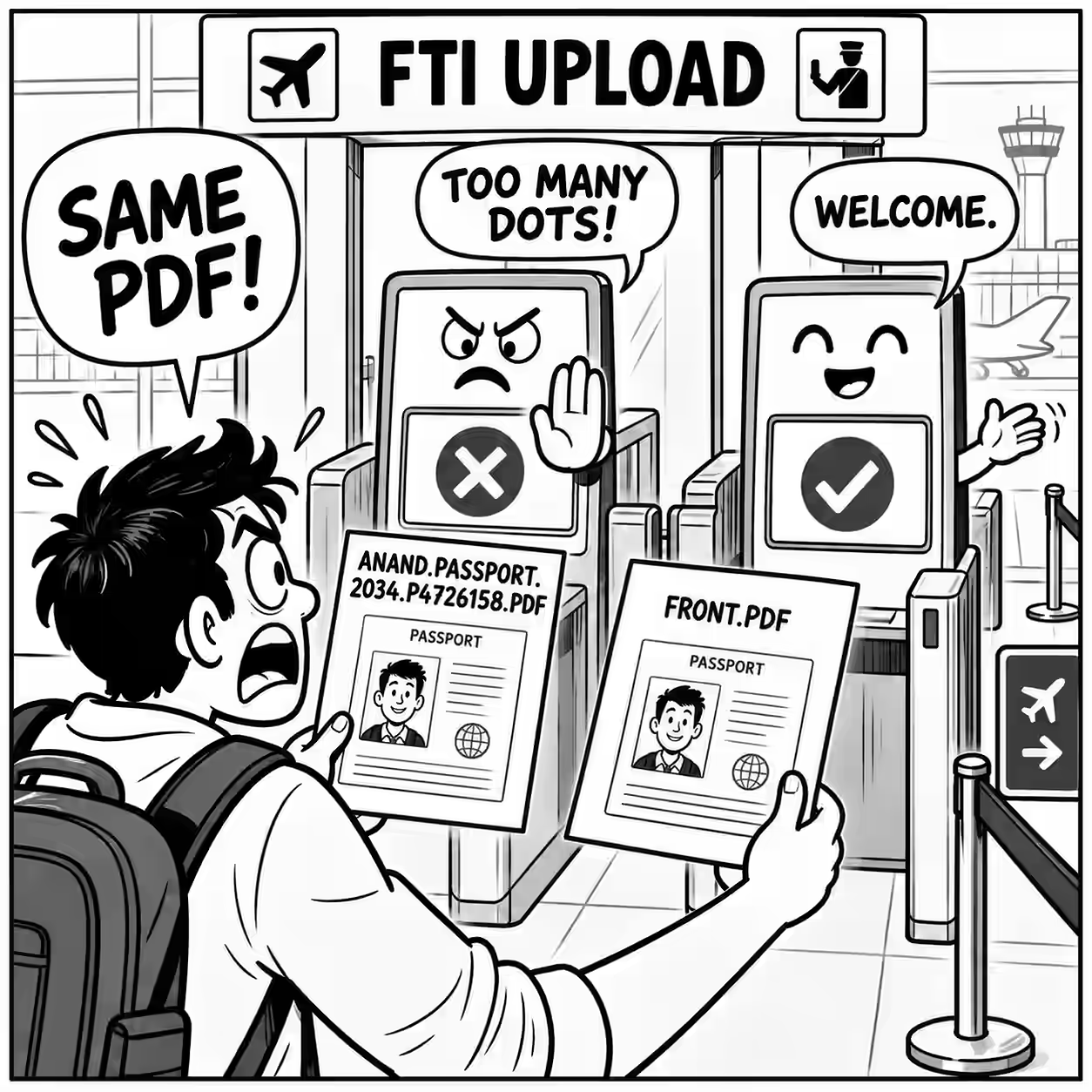
We both checked if there was any instruction mentioning that the filename should follow any rules. None were mentioned.
Me: Will you be able to let the team know to mention using simple filenames? Them: Yes, I’ll let them know.
So, there you go. Until the Ministry of Home Affairs tells you, play it safe.
Upload files with simple filenames: Just alphabets and numbers and keep it under 8 letters, to be safe.