2026 1

IIM Alumni AI Workflows Workshop

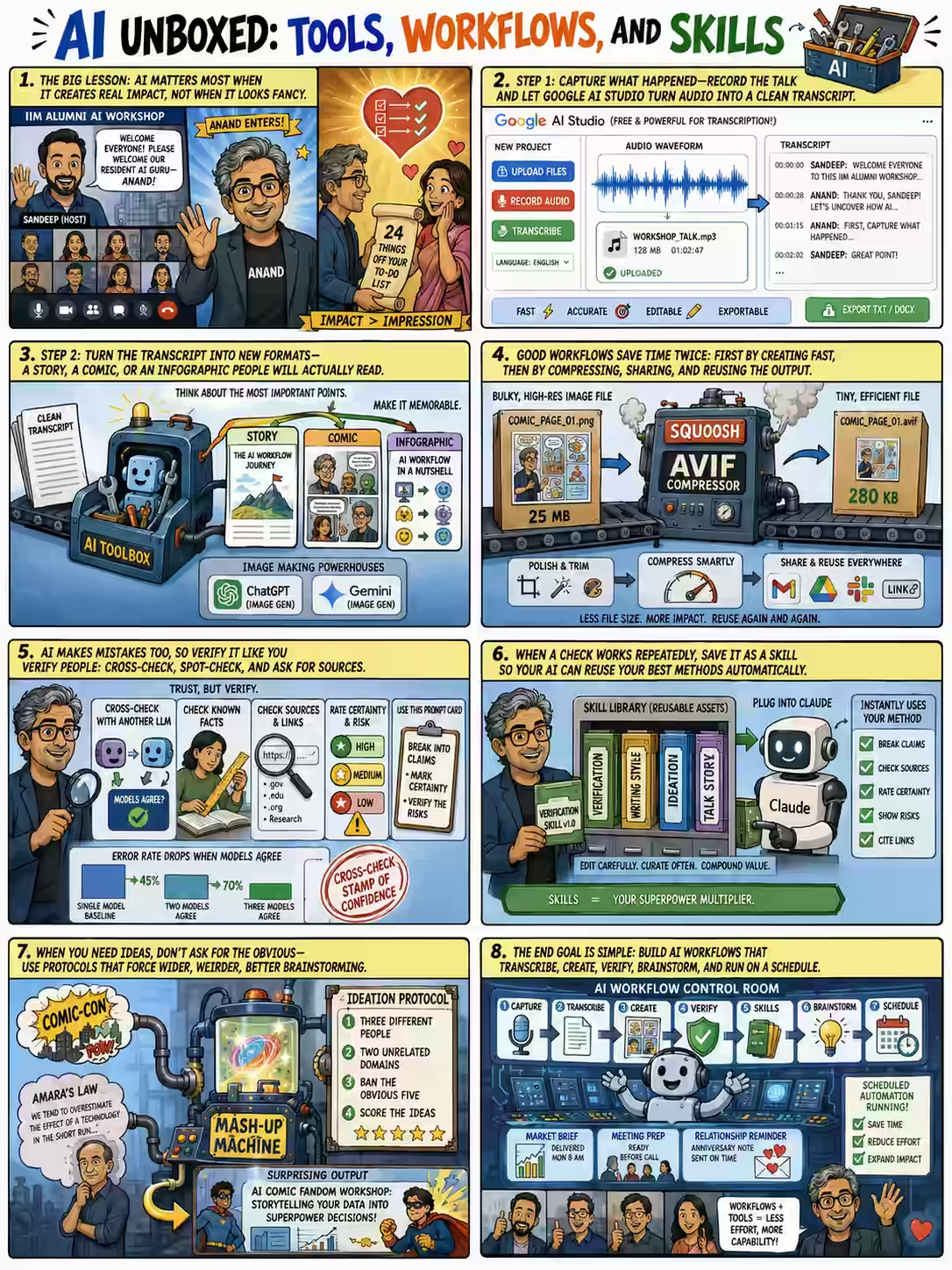
The theme of yesterday’s workshop for the IIM Alumni at Singapore was Tools and Workflows was: Agents are getting smarter, so they know what to do. Tools agents can use are growing and are more powerful. This combinatorial explosion creates explosive possibilites. This workshop covered the following six workflows: Leverage transcripts. Use Google AI Studio to transcribe non-sensitive recordings with a reusable “don’t miss anything” prompt. AI Studio’s record button is a ready-to-use transcriber. Simplify dense text as a comic, an infographic, a story. Image generation is now a tool call an agent runs for you. Then compress it as AVIF on Squoosh before you email it to a thousand people. Verify - cheaply. Paste one suffix: “Break this into key claims, mark certainty, flag the five highest-risk ones, and tell me how to verify or falsify each.” Convert to a skill to automate. Cross-checking with multiple models took error from 14% to 0.7%. Skills are assets. A skill tells the agent “here’s how I do stuff.” Build them slowly, edit them weekly, and they compound for years. No skills support in your tool? Keep them as copy-pasteable prompts. Brainstorm by forcing range. Ban the five obvious ideas; borrow from unrelated domains; smash two random concepts together with the Ideator. Hallucination is a feature when you’re being creative. Schedule tasks. Weekly regulatory scans, daily meeting prep, market briefings - and even an “unreasonable gesture” nudge. As AI hides the tech, human relationships gain value. Here’s the talk video and full story + transcript. ...
2025 2

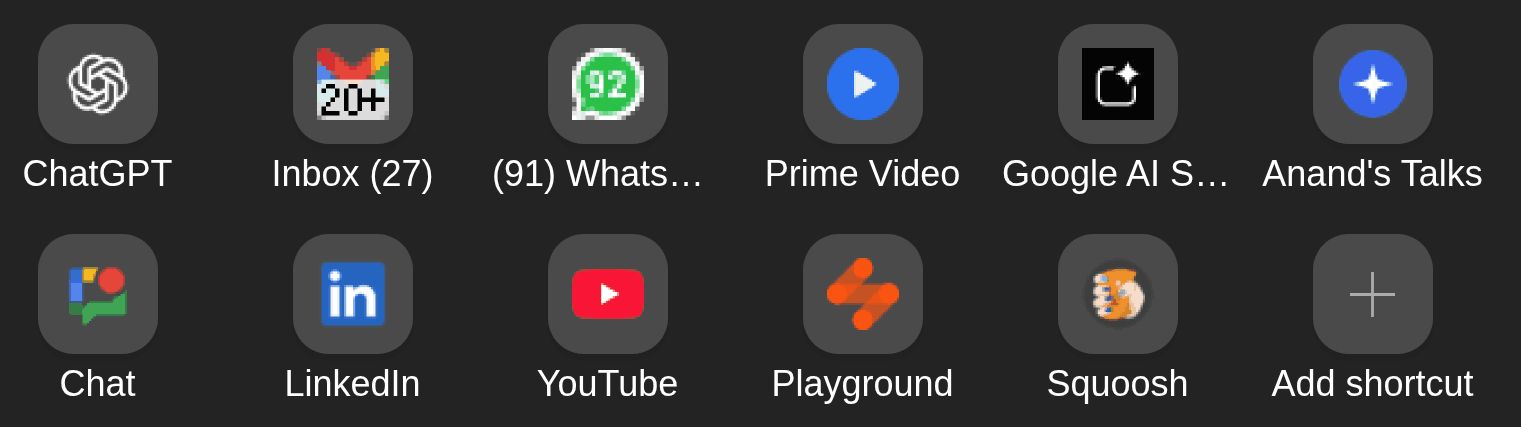
The 11 sites I visit most: ChatGPT. It’s replaced Google as my default knowledge source. I prefer it over Gemini, Claude, etc. because the app has good features (memory from past conversations, code interpreter, strong voice mode, remote MCP on web app, etc.) The OpenAI models have pros and cons, but the app features are ahead of competition. Gmail. It’s my work inbox. Interestingly, I check it more (and respond faster) than social channels (e.g. WhatsApp, Google Chat, LinkedIn). It also doubles up as my task queue. WhatsApp. It’s my default phone + messaging app. A fair bit of my work communication happens here, too. Prime Video. I mainly watch The Mentalist. Totally love Patrick Jane! Google AI Studio. Mostly for transcription. It’s better than Gemini on UI, ability to handle uploads, file-formats, etc. It’s also free (though the data is used for training.) My Talks page: https://sanand0.github.io/talks/. I give 1-1.5 talks a week, mostly on AI/ML topics. I use Marp to render Markdown slides and publish it here. Google Chat. It’s Straive’s social channel. I can’t use it from my phone, so I log in only if I need to check if I missed something. LinkedIn. It’s where I post by default. I don’t use it for networking and only connect with people I’ve met and know well. YouTube. Mostly for movie clips over dinner. I occasionally watch educational content. LLM Foundry: https://llmfoundry.straive.com/. LLM Foundry is Straive’s internal gateway to multiple model APIs (I built it). I use it to experiment with models, grab API keys, and demo LLMs to clients. Squoosh. I compress every image, every time. Mostly into WebP (hands-down the best format today), typically lossless with an 8-color palette, or lossy at ~0-10% quality for photos. The list will change. But the reasons probably won’t: fast, simple, automatable, and practical (for me). ...

Transcribe call recording

Transcribe call recordings guessing speaker names using the latest Gemini Pro model on Google AI Studio. Append all speakers, and who spoke when, for context. Transcribe this call recording with Anand (LLM expert, Straive/Gramener). DO NOT MISS ANY PART OF THE CONVERSATION. Drop verbal tics and fillers (um, uh, etc). Correct spelling and grammar but otherwise don't modify the original words. Add English translations to any non-English parts. Mark inaudible or unclear segments as "[inaudible]". Mark uncertain words with like "[word?]" or ambiguous possibilities like "[word1? word2?]". Break it into LOGICAL paragraphs, each paragraph with a **Speaker**: [Timestamp] content ...., e.g. **Anand**: [00:13] When did ... Guess speaker names. If unsure, use **Unsure**: ... **Make key points / takeaways / memorable statements bold**. **I repeat: Transcribe EVERY part of the conversation. Don't miss any turns.**