Windows XP virtual machine
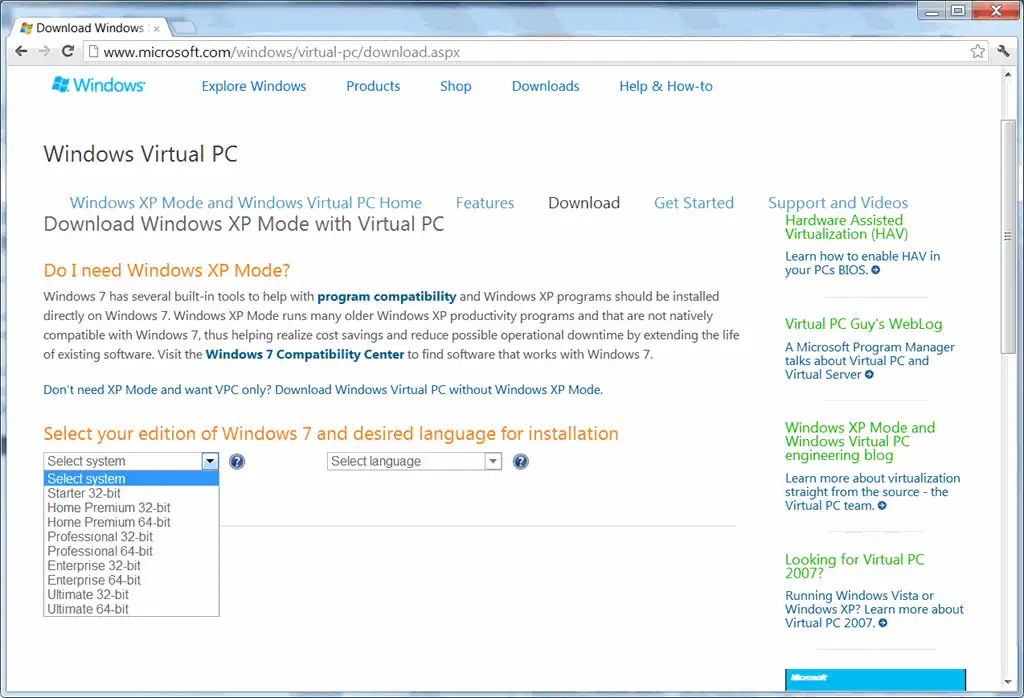
Here’s the easiest way to set up a Windows XP virtual machine that I could find. (This is useful if you want to try out programs without installing it on your main machine; test your code on a new machine; or test your website on IE6 / IE7 / IE8.) Go to the Virtual PC download site. (I tried VirtualBox and VMWare Player. Virtual PC is better if you’re running Windows on Windows.) If you have Windows 7 Starter or Home, select “Don’t need XP Mode and want VPC only? Download Windows Virtual PC without Windows XP Mode.” If you have Windows Vista or Windows 7, select “Looking for Virtual PC 2007?” Download it. (You may have to jump through a few hoops like activation.) Download Windows XP and run it to extract the files. (It’s a 400MB download.) Open the “Windows XP.vmc” file – just double-clicking ought to work. At this point, you have a working Windows XP version. (The Administrator password is “Password1”.) Under Tools – Settings – Networking – Adapter 1, select “Shared Networking (NAT)” That’s pretty much it. You’ve got a Windows XP machine running inside your other Windows machine. ...