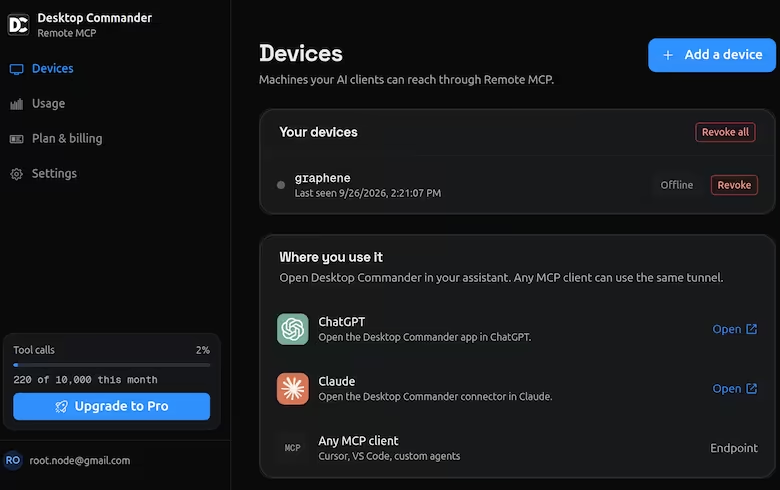
The Remote Desktop Commander ChatGPT Plugin might be one of the most useful power-user plugins for ChatGPT. Here’s how it works.
- You install the plugin and log into desktopcommander.app
- You run
npx @wonderwhy-er/desktop-commander@latest remoteon your machine - After that, ChatGPT can access your computer - read/write files, run commands, etc.
This is incredibly useful because that’s like getting unlimited Codex usage. ChatGPT Chat doesn’t charge by token usage. So you can write and run code on your machine without worrying about token limits. (This doesn’t help so much with Claude - it charges the same for Chat and Code.)
Secondly, you can use the context of past chats and memories (or perhaps projects) - which Codex and Claude Code doesn’t have.
I wrote a version of this plugin for myself - mcpserver.py - and it’s been the most used plugin. Almost 70% of my chats (237 / 344) in August used this plugin.
Since I already have my plugin I probably won’t be switching. Also, your data passes through a third-party, and their liberal free-tier (10K tool calls per month) might evaporate.
But this may be the most useful plugin for ChatGPT power users.