Habits of a code addict
It’s incredible how far coding agents have come. They can now solve complete exams. That changes what we should measure. My Tools in Data Science course has a Remote Online Exam. It was so difficult that, in 2023, it sparked threads titled “What is the purpose of an impossible ROE?” Today, despite making the test harder, students solve it easily with Claude, ChatGPT, etc. Here’s today’s score distribution: ...
There hasn’t been a box-office explosion like Dangal in the history of Bollywood. CPI inflation-adjusted to 2024, it is the only film in the ₹3,000 Cr club. 3 Idiots (2009) is the first member of the ₹1,000 Cr club (2024-inflation-adjusted). The hot streak was 2013-2017: each year, a film crossed that bar: Dhoom 3, PK, Bajrangi Bhaijaan, Dangal, Secret Superstar. Since then, we never saw such a release except in 2023 (Jawan, Pathan). ...
Here’s how I track trending GitHub repos each week. I run a scheduled script that saves a clean TSV I can scan fast. It uses uvx gtrending to fetch weekly trending repos for: Rust: High-quality system tools. (Anything in Rust seems cool.) Go: Reliable CLI/infra tools. (Like Rust, most Go code seems good.) Python: Most AI/ML stuff TypeScript: Most modern JS codebases JavaScript: Most front-end utilities Shell: Productivity scripts I pipe results through jq to extract: ...
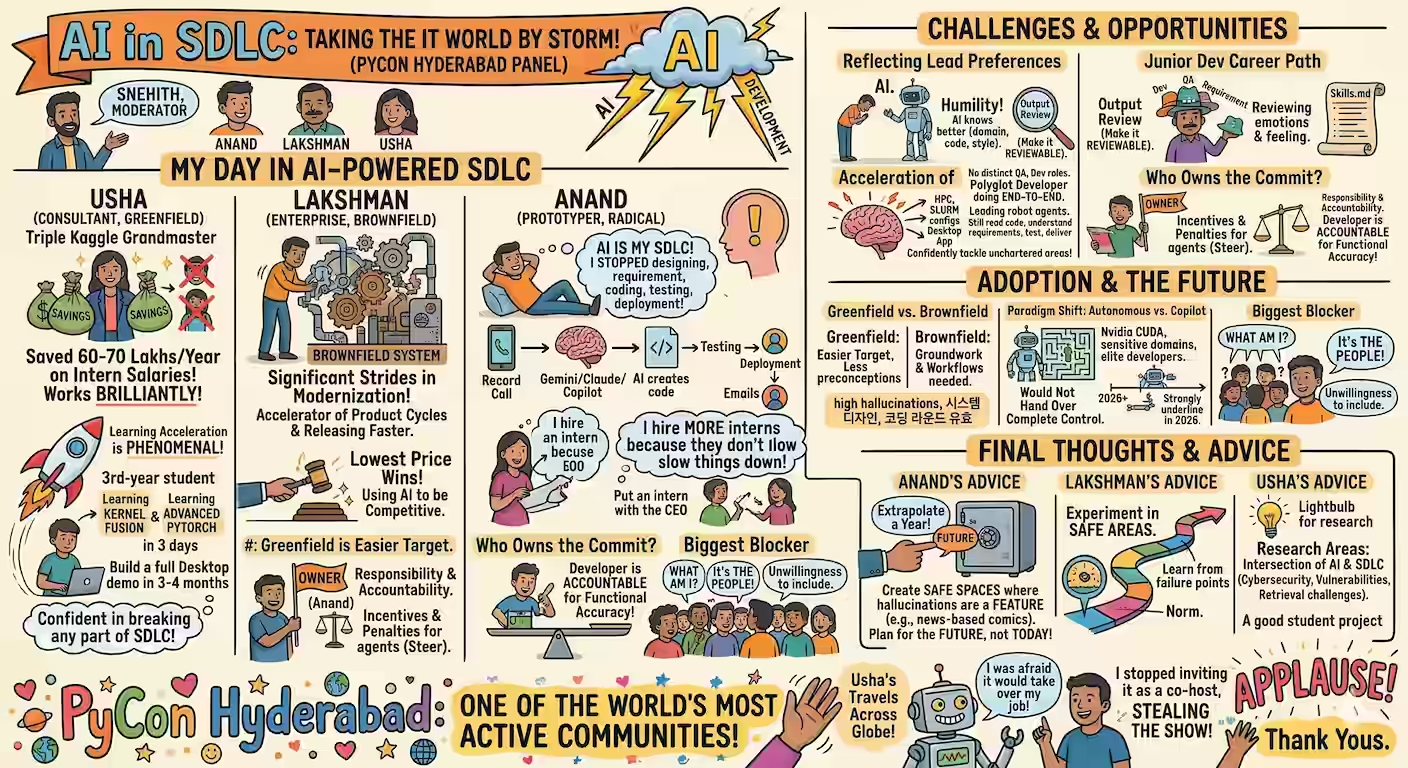
In Feb 2025 at PyConf Hyderabad, I tried a new slide format: command-line slideshows in bash. I’ve used this format in more talks since then: LLMs in the CLI, PyCon Singapore, Jun 2025 Agents in the CLI, Singapore Python User Group, Jul 2025 DuckDB is the new Pandas, PyCon India, Sep 2025 It’s my favorite format. I can demo code without breaking the presentation flow. It also draws interest. My setup was the top question in my PyCon talk. ...
Jaidev’s The Bridge of Asses reminded me of my first coding bridge. It was 1986. I’d completed class 6 and was in a summer coding camp at school. M Kothandaraman (“MK Sir”) was teaching us how to swap variables in BASIC on the BBC Micro. This code prints the first name in alphabetical order (“Alice”): 10 A = "Bob" 20 B = "Alice" 30 IF A > B THEN 40 TEMP = A 50 A = B 60 B = TEMP 70 END 80 PRINT A The homework was to print all details of the first alphabetical name: ...
Yesterday, I helped two people vibe-code solutions. Both were non-expert IT pros who can code but aren’t fluent. Person Alpha and I were on a call in the morning. Alpha needed to OCR PDF pages. I bragged, “Ten minutes. Let’s do it now!” But I was on a train with only my phone, so Alpha had to code. Vibe-coding was the only option. ...
Switching to a Linux machine has advantages. My thinking’s moving from apps to pipes. I wanted a spaced repetition app to remind me quotes from my notes. I began by writing a prompt for Claude Code: Write a program that I can run like uv run recall.py --files 10 --lines 200 --model gpt-4.1-mini [PATHS...] that suggests points from my notes to recall. It should --files 10: Pick the 10 latest files from the PATHs (defaulting to ~/Dropbox/notes) --lines 200: Take the top 200 lines (which usually have the latest information) --model gpt-4.1-mini: Pass it to this model and ask it to summarize points to recall ...
Jason Clarke’s Import AI 414 shares a Tech Tale about a game called “Go Think”: … we’d take turns asking questions and then we’d see how long the machine had to think for and whoever asked the question that took the longest won. I prompted Claude Code to write a library for this. (Cost: $2.30). (FYI, this takes 2.3 seconds in NodeJS and 4.2 seconds in Python. A clear gap for JSON parsing.) ...
I use Codex to write tools while I walk. Here are merged PRs: Add editable system prompt Standardize toast notifications Persist form fields Fix SVG handling in page2md Add Google Tasks exporter Add Markdown table to CSV tool Replace simple alerts with toasts Add CSV joiner tool Add SpeakMD tool This added technical debt. I spent four hours fixing the AI generated tests and code. What mistakes did it make? Inconsistency. It flips between execCommand("copy") and clipboard.writeText(). It wavers on timeouts (50 ms vs 100 ms). It doesn’t always run/fix test cases. Missed edge cases. I switched <div> to <form>. My earlier code didn’t have a type="button", so clicks reloaded the page. It missed that. It also left scripts as plain <script> instead of <script type="module"> which was required. Limited experimentation. My failed with a HTTP 404 because the common/ directory wasn’t served. I added console.logs to find this. Also, happy-dom won’t handle multiple exports instead of a single export { ... }. I wrote code to verify this. Coding agents didn’t run such experiments. What can we do about it? Three things could have helped me: ...
In the last few days, I’m coding with Jules (Google’s coding agent) while walking. Here are a few pull requests merged so far: Add features via an issue Write test cases Add docs Why bother? My commute used to be audiobook time. Great for ideas, useless for deliverables. With ChatGPT, Gemini, Claude.ai, etc. I was able to have them write code, but I still needed to run, test, and deploy. Jules (and tools like GitHub Copilot Coding Agent, OpenAI Codex, PR Agent, etc. which are not currently free for everyone) lets you chat clone a repo, write code in a new branch, test it, and push. I can deploy that with a click. ...
Earlier, I used Mermaid for technical architectures. But PlantUML seems a better option for cloud architecture diagrams. STEP 1: Copy the code Here’s a one-liner using files-to-prompt to copy all files in the current directory: fd | xargs uvx files-to-prompt --cxml | xclip -selection clipboard Or, you can specify individual files: uvx files-to-prompt --cxml README.md ... | xclip -selection clipboard STEP 2: Extract the cloud icons ...
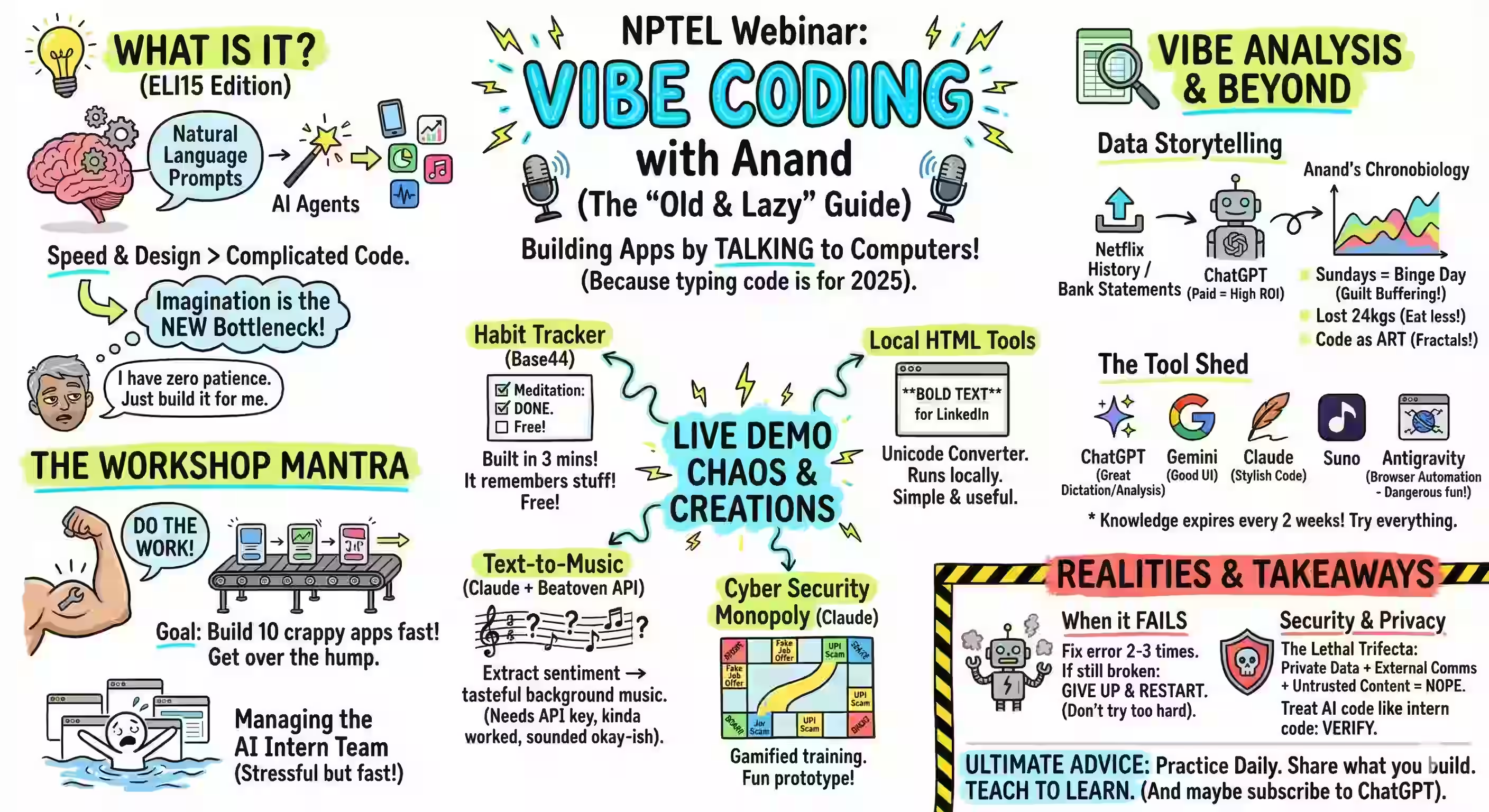
I spoke about vibe coding at SETU School last week. Transcript: https://sanand0.github.io/talks/#/2025-05-10-vibe-coding/ Here are the top messages from the talk: What is vibe coding It’s where we ask the model to write & run code, don’t read the code, just inspect the behaviour. It’s a coder’s tactic, not a methodology. Use it when speed trumps certainty. Why it’s catching on Non-coders can now ship apps - no mental overhead of syntax or structure. Coders think at a higher level - stay in problem space, not bracket placement. Model capability keeps widening - the “vibe-able” slice grows every release. How to work with it day-to-day ...
I built podcast generator app in one-shot. I wrote a prompt, fed it to an LLM, and it generated the output without errors. I tested three LLMs, and all produced correct, working output. ChatGPT: o4-mini-high Functional but missed my specs in three ways: No error if I skip the API key No progress indicator for audio generation Both voices default to “ash” (should be “ash” and “nova”) Gemini 2.5 Pro: Works and looks great! Claude 3.7 Sonnet: Works great and looks even better! It still took me an hour to craft the prompt – even after I’d built a Python prototype and my colleague built a similar web version. ...
Here’s my current workflow to create technical architecture diagrams from code. STEP 1: Copy the code Here’s a one-liner using files-to-prompt to copy all files in the current directory: fd | xargs uvx files-to-prompt --cxml | xclip -selection clipboard Or, you can specify individual files: uvx files-to-prompt --cxml README.md ... | xclip -selection clipboard STEP 2: Prompt for the a Mermaid diagram Mermaid is a Markdown charting language. I use this prompt with O4-Mini-High or O3: ...
Here’s an LLM-generated podcast of what I coded last week. NotebookLM-inspired. The process proved straightforward. Get my GitHub commits for the week. Get the repositories I committed to for more context. Have an LLM generate a podcast script. I’m using GPT 4.1 Mini but might shift to Gemini 2.5 Flash or DeepSeek V3. …using a detailed prompt beginning with “You are a podcast script assistant for “Anand’s Weekly Codecast.” This episode is for the week of {WEEK}. …”. Here’s a sample output. Convert the script to audio. I’m using GPT 4o Mini TTS with customized voices of Ash and Nova. These now appear on my GitHub repo as a weekly summary. ...
What if you keep ask an LLM Improve the code - dramatically!? We used the new GPT 4.1 Nano, a fast, cheap, and capable model, to write code for simple tasks like “Draw a circle”. The we fed the output back and asked again, Improve the code - dramatically! Here are the results. Draw a circle rose from a fixed circle to a full tool: drag it around, tweak its size and hue, and hit “Reset” to start fresh. Animate shapes and patterns turned simple circles and squares into a swarm of colored polygons that spin, pulse, and link up by distance. Draw a fully functional analog clock grew from a bare face to one that builds all 60 tick marks in code—no manual copy‑paste needed. Create an interactive particle simulation went from plain white dots on black to hundreds of bright, color‑shifting balls that bounce, die, and come back to life. Generate a fractal changed from a single Mandelbrot image to an explorer you can zoom, drag, and reset with sliders and the mouse wheel. Generate a dashboard jumped from static charts to a live page with smooth card animations, modern fonts, and a real‑time stats box. A few observations. ...
I tried 2 experiments. Can I code a visual data story only using LLMs? Does this make me faster? How much? Has GitHub Copilot caught up with Cursor? How far behind is it? Can I recommend it? So I built a visual story for Lech Mazur’s elimination game benchmark (it’s like LLMs playing Survivor) using only the free GitHub Copilot as the AI code editor. SUMMARY: using LLMs and AI code editors make me a bit faster. It took me 7 hours instead of 10-12. But more importantly: ...
Here’s the GitHub Actions file (.github/workflows/deploy.yaml) I use to publish to GitHub pages. name: Deploy to GitHub Pages on: # Run when pushed. Use { branches: [main, master] } to run only on specific branches push: # Allow manual triggering of the workflow workflow_dispatch: # OPTIONAL: Run at a specific cron schedule, e.g. first day of every month at 12:00 UTC (noon) schedule: - cron: "0 12 1 * *" permissions: # To deploy to GitHub Pages pages: write # To verify that deployment originated from the right source id-token: write jobs: # Run as a single build + deploy job to reduce setup time deploy: # Specify the deployment environment. Displays the URL in the GitHub Actions UI environment: name: github-pages url: ${{ steps.deployment.outputs.page_url }} # Run on the latest Ubuntu LTS runs-on: ubuntu-latest \ steps: # Checkout the repository - uses: actions/checkout@v4 # Run whatever commands you want - run: echo '<h1>Hello World</h1>' > index.html # Upload a specific page to GitHub Pages. Defaults to _site - uses: actions/upload-pages-artifact@v3 with: path: . # Deploy the built site to GitHub Pages. The `id:` is required to show the URL in the GitHub Actions UI - id: deployment uses: actions/deploy-pages@v4 This is based on Simon Willison’s workflow and some of my earlier actions. ...
Fake data is usually boring if you analyze it. It’s usually uniform, with no outliers or interesting patterns. If I ask ChatGPT: Generate realistic fake tourism data using these columns: - Age - Nationality - Gender - Income - Booking_Channel - Month - Occupancy_Rate - Travel_Frequency - Spending Run the code and let me download the output as a CSV file. … the output is remarkably boring. Men & women from all countries and ages in every month visit equally. Income and spending are uniformly distributed - and the same pattern holds for all countries and ages. Often, I need to generate fake data that is interesting. Specifically, I need data that can be used to illustrate a point or show a pattern. ...