I use comics to make my course more engaging. Each question has a comic strip that explains what question is trying to teach.
For example, here’s the comic for the question that teaches students about prompt injection attacks:
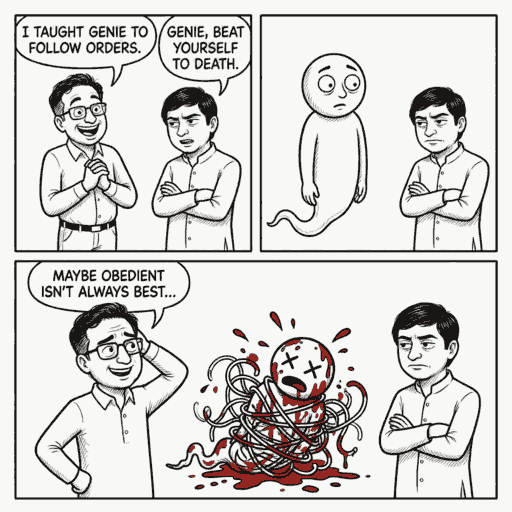
For each question, I use this prompt on Nano Banano Pro via Gemini 3 Pro:
Create a simple black and white line drawing comic strips with minimal shading, with 1-2 panels, and clear speech bubbles with capitalized text, to explain why my online student quizzes teach a specific concept in a specific way. Use the likeness of the characters and style in the attached image from https://files.s-anand.net/images/gb-shuv-genie.avif.

1. GB: an enthusiastic socially oblivious geek chatterbox
2. Shuv: a cynic whose humor is at the expense of others
3. Genie: a naive, over-helpful AI that pops out of a lamp

Their exaggerated facial expressions to convey their emotions effectively.

---

Panel 1/2 (left):
GB (excited): I taught Genie to follow orders.
Shuv (deadpan): Genie, beat yourself to death.

Panel 2/2 (right):
Genie is a bloody mess, having beaten itself to death.
GB (sheepish): Maybe obedient isn't always best...
… along with this reference image for character consistency:
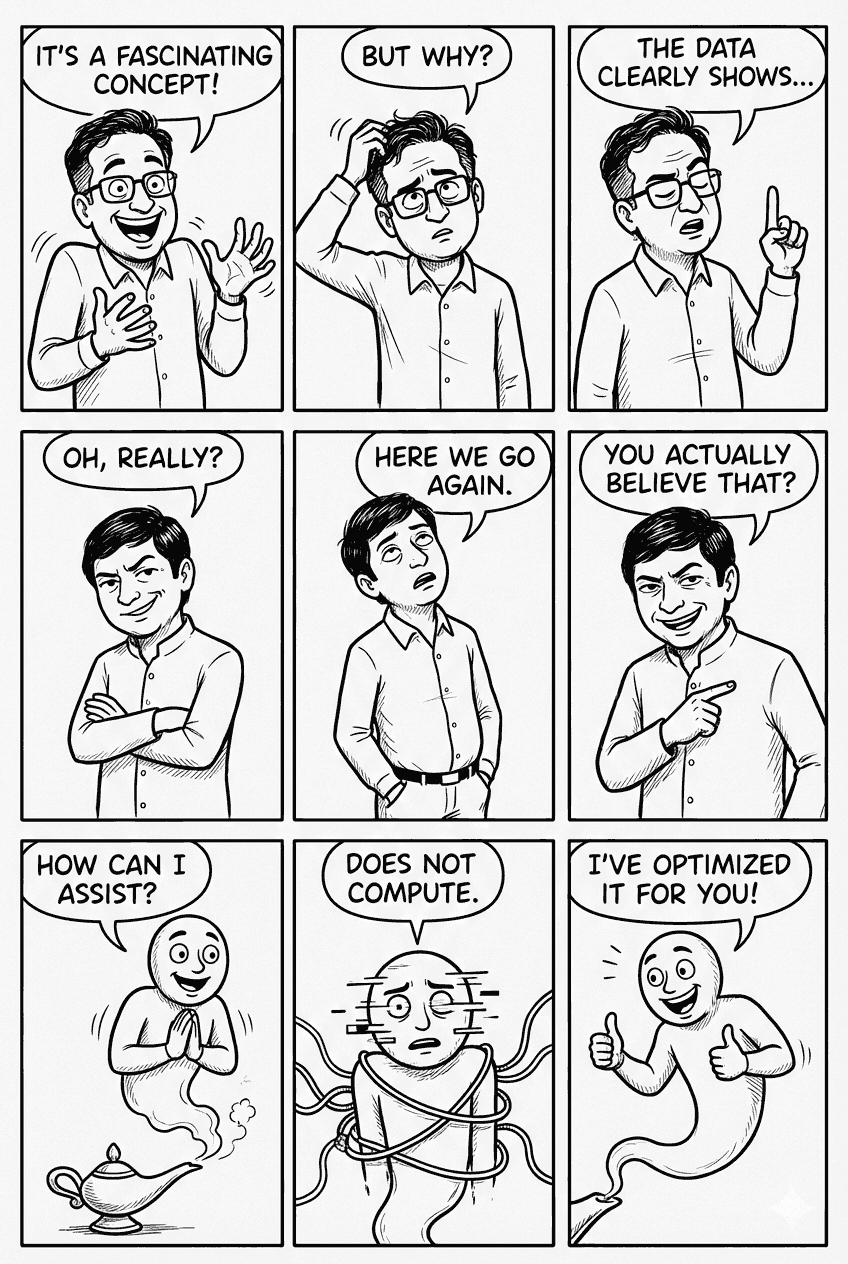
(These are based on real classmates!)
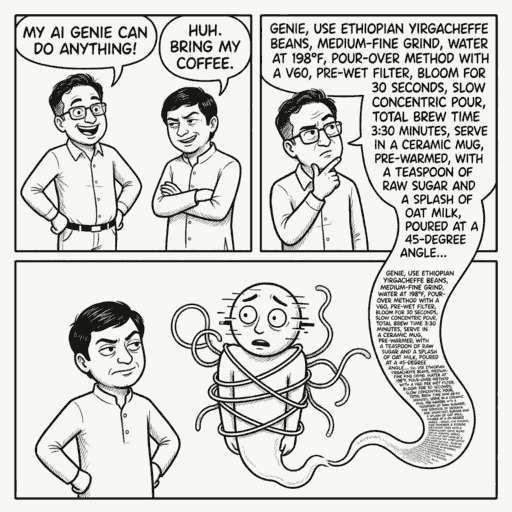
For other questions, I just replace the bottom part. For example, for the question on prompt debugging, I used:
Panel 1/2 (left):
GB (proud): My AI Genie can do anything!
Shuv (disdainful): Huh. Bring my coffee.

Panel 2/2 (right):
GB (thoughtful): Genie, (provides a LOOONG, detailed set of instructions on how exactly to prepare Shuv's favorite coffee, including bean type, grind size, water temperature, brewing method, cup type, and even the exact angle to pour the water, in rapidly shrinking font, giving the effect of an infinite scroll of text).
Generating these prompts was quite time-consuming, so I delegated that to GitHub Copilot via Claude 4.5 Sonnet (which has a reasonable sense of humor) by giving it a few prompts as examples and asking it to generate more.
Take a look at the questions in src/exam-tds-2026-01-ga1.js.
The first five questions, namely:
q-prompt-debugging
q-get-llm-to-say-yes
q-llm-bash
q-vibe-code-data-crunching
q-vercel-v0-app
... have an image at the beginning, like
```markdown

```
These are comic strips. The prompts used to generate these strips are in prompts/prompts.md.
Create a prompts/exam-tds-2026-01-ga1-comics.md file that has prompt ideas for the remaining questions. To do this,
1. Read each of the other questions
2. Understand the key concept(s) the exercise is testing / teaching
3. For each question, write 3 funny yet insightful comic strip prompt idea variants that will help the student understand WHY the question is useful. Use the existing prompts/prompts.md style as a guide.
These strips may use the following characters:
- GB: an enthusiastic socially oblivious geek chatterbox
- Shuv: a cynic whose humor is at the expense of others
- Genie: a naive, over-helpful AI that pops out of a lamp
This generated 3 prompt variants for each of my ~30 questions, and at least one of the variants turned out pretty good! I used almost verbatim in my graded assignement.
So, the overall process is:
- Use photos to generate a sample comic strip
- Use exam questions to generate 3 comic prompts per question
- Manually select / edit the best prompt
- Use the comic prompt + reference image on Gemini 3 Pro using Nano Banana Pro to generate the final comic strip
- Manually review and re-generate if needed
The two manual steps are still essential for comics I’m satisfied with and they take the bulk of the time. But honestly, I enjoy reading the strips, so it’s not a big deal!