Gemini lets you copy individual responses as Markdown, but not an entire conversation.
That’s useful if you want to save the chat for later, pass it to another LLM, or publish it.
So I built a bookmarklet that scrapes the entire conversation as Markdown and copies it to the clipboard.
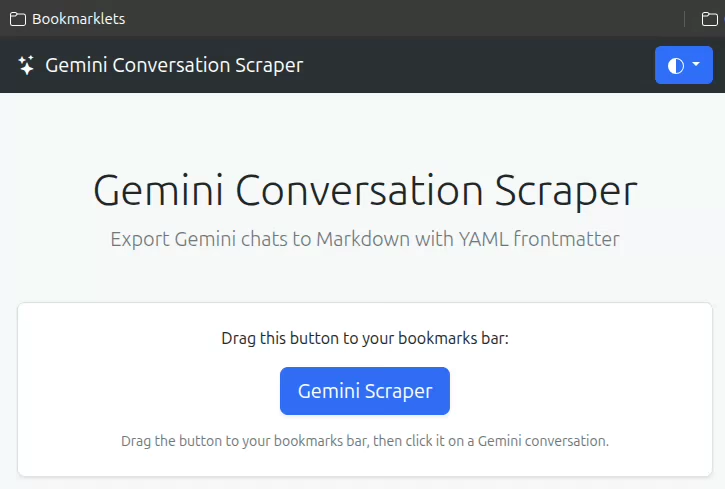
SETUP: Drag the bookmarklet to your bookmarks bar.
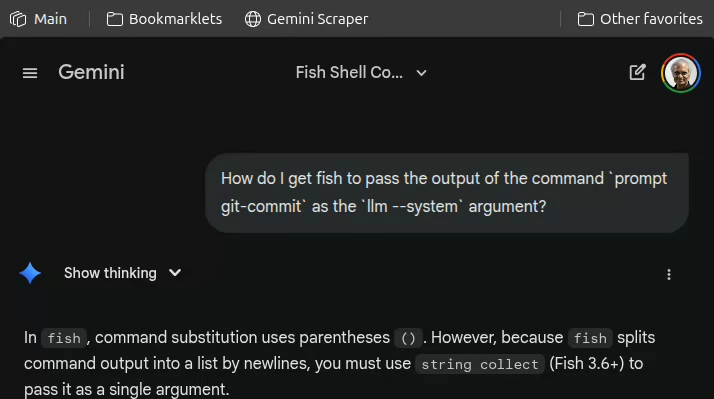
USAGE: On a Gemini chat page, click the bookmarklet. It copies the chat as Markdown.
Here’s a sample output:
---
title: "Trump's Nobel Prize Snub"
date: 2026-01-20T10:10:38+05:30
source: "https://gemini.google.com/app/6dbb3b934006cd9f"
---

## User

Answer in 1 line: What was Trump's most controversial announcement yesterday?

## Gemini

> **Thinking:** ...

He stated that his demand to purchase Greenland and the subsequent tariff threats against European allies were driven by his resentment over being snubbed for the Nobel Peace Prize.

---

## User

Answer in 1 line: Who else historically have acted so strongly when snubbed?

## Gemini

> **Thinking:** ...

Genghis Khan diverted his armies to annihilate the entire Khwarazmian Empire after its Shah insulted him by beheading his diplomatic envoys.

---
NOTE: When I vibe coded this at first, I got an error that made me think Gemini’s Content-Security-Policy prevents executing javascript: URLs. But on testing, the CSP actually looks like:
Content-Security-Policy: ...; script-src * 'unsafe-inline' 'unsafe-eval' blob: data:; ...
This specifically allows unsafe-inline scripts, which is what bookmarklets are. So it works fine.