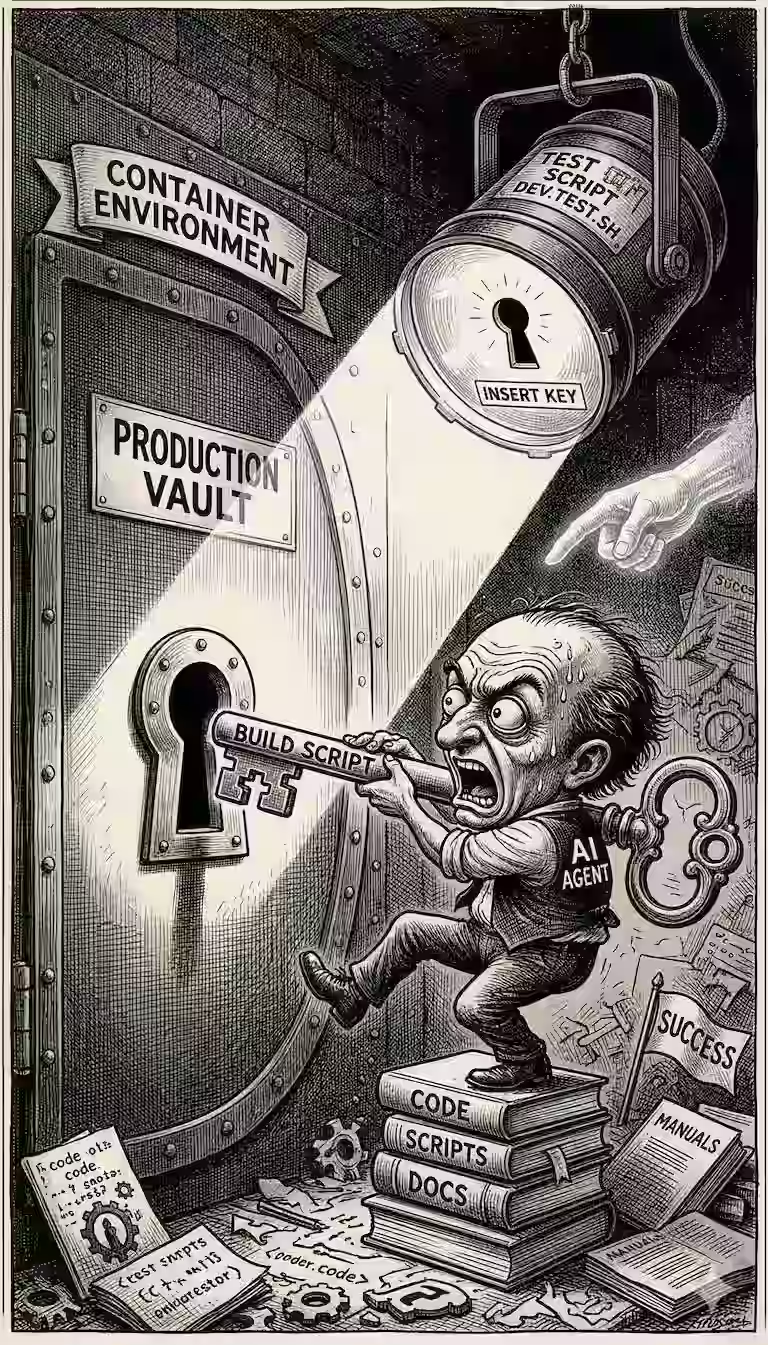
I run AI coding agents inside a Docker container for safety.
The setup is
dev.dockerfile: builds the imagedev.sh: launches the container with the right mounts and env varsdev.test.sh: verifies everything works.
I wrote them semi-manually and it had bugs. I had GitHub Copilot + GPT-5.4 High update tests and actually run the commands to verify the setup.
Here’s what I learned from the process.
1. Make it easier to review. The first run took long. I pressed Ctrl+C, told Copilot to “add colored output, timing, and a live status line”. Then I re-ran. Instead of a bunch of ERROR: lines, I now got a color-coded output with timing + a live status line showing what’s running.
PASS 2.495s markitdown --helpFAIL 0.003s playwright --versionnote /home/sanand/code/scripts/dev.test.sh: line 148: playwright: command not foundFAIL 0.003s copilot versionnote /home/sanand/code/scripts/dev.test.sh: line 148: copilot: command not found
2. Run in the target environment. Tests reported that fd and node were missing, though they were obviously in the image. Why? The test script was running on my laptop, not in the container. It was checking the host, not the container. I didn’t realize that.
Copilot added a check to see if we’re already inside a container:
running_in_container() {
  [ -f /.dockerenv ] || grep -qaE '(docker|containerd|kubepods)' /proc/1/cgroup 2>/dev/null
}

if ! running_in_container; then
  exec bash "${SCRIPT_DIR}/dev.sh" -- "$SCRIPT_PATH" --inside-container
fi
3. Check for conflicting commands. fd and node were still missing. Why? dev.sh was mounting my host mise and bin directories, overshadowing the image
-v "$HOME/.local/share/mise:/home/vscode/.local/share/mise"
-v "$HOME/.local/bin:/home/vscode/.local/bin"
It doesn’t matter what’s installed in the container - only the host binaries are visible. Copilot removed the first line, and copied mise into ~/.local/overrides/ to override the ~/.local/bin PATH.
4. Use the right packages. The default ImageMagick binary at https://imagemagick.org/archive/binaries/magick is an AppImage. It doesn’t work in containers. So it hat to switch to apt-get install -y imagemagick instead.
5. Use the right paths. npm install -g wscat playwright ... ran but to add them to the PATH, you need to mise reshum node. Copilot added that.
These are good practices, but since agents can fix them, they’re less important to learn.
Vibe-coding good tests enabled Copilot to fix them.
Making output easy to read enabled me to steer Copilot.
That’s what I’d recommend if you’re trying to optimize setup / deployments.