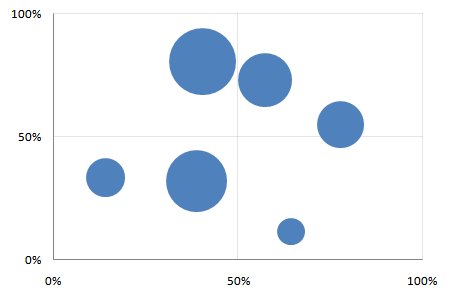
Motion charts in Excel
Creating motion charts in Excel is a simple four-step process. Get the data in a tabular format with the columns [date, item, x, y, size] Make a “today” cell, and create a lookup table for “today” Make a bubble chart with that lookup table Add a scroll bar and a play button linked to the “today” cell For the impatient, here’s a motion chart spreadsheet that you can tailor to your needs. For the patient and the puzzled, here’s a quick introduction to bubble and motion charts. ...