I use this prompt to generate sketchnotes on Gemini:
Draw this as a visually rich, intricately detailed, colorful, and funny, sketchnote.
Below that, I paste (or attach) whatever content I want it to draw.
I also turn on “Create Images” and switch the model to “Pro” (for better thinking.)
Here are some examples of how to use it.
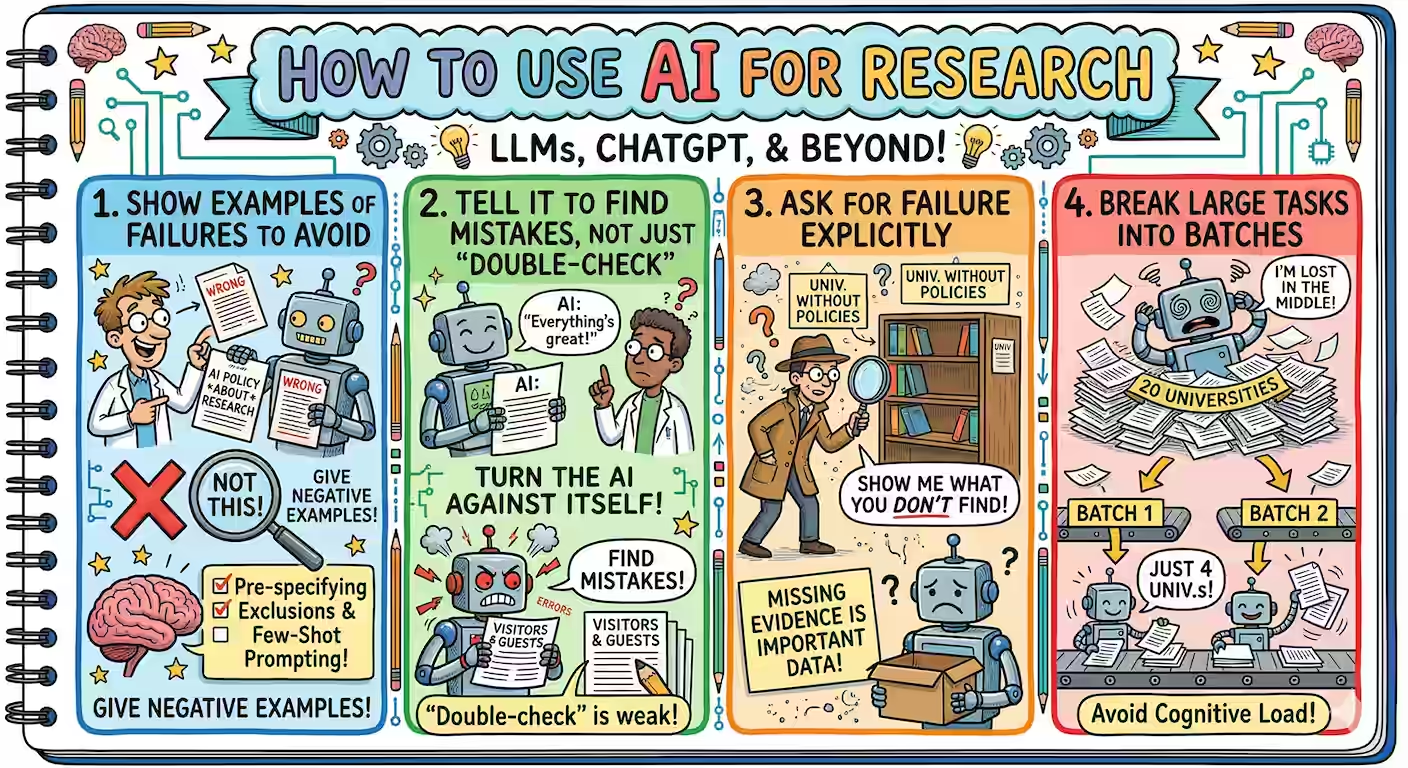
Summarize articles. Pick email, report, news, or website.
Here’s a sketchnote for this article: How to use AI for research. I used the prompt above and pasted the article text.
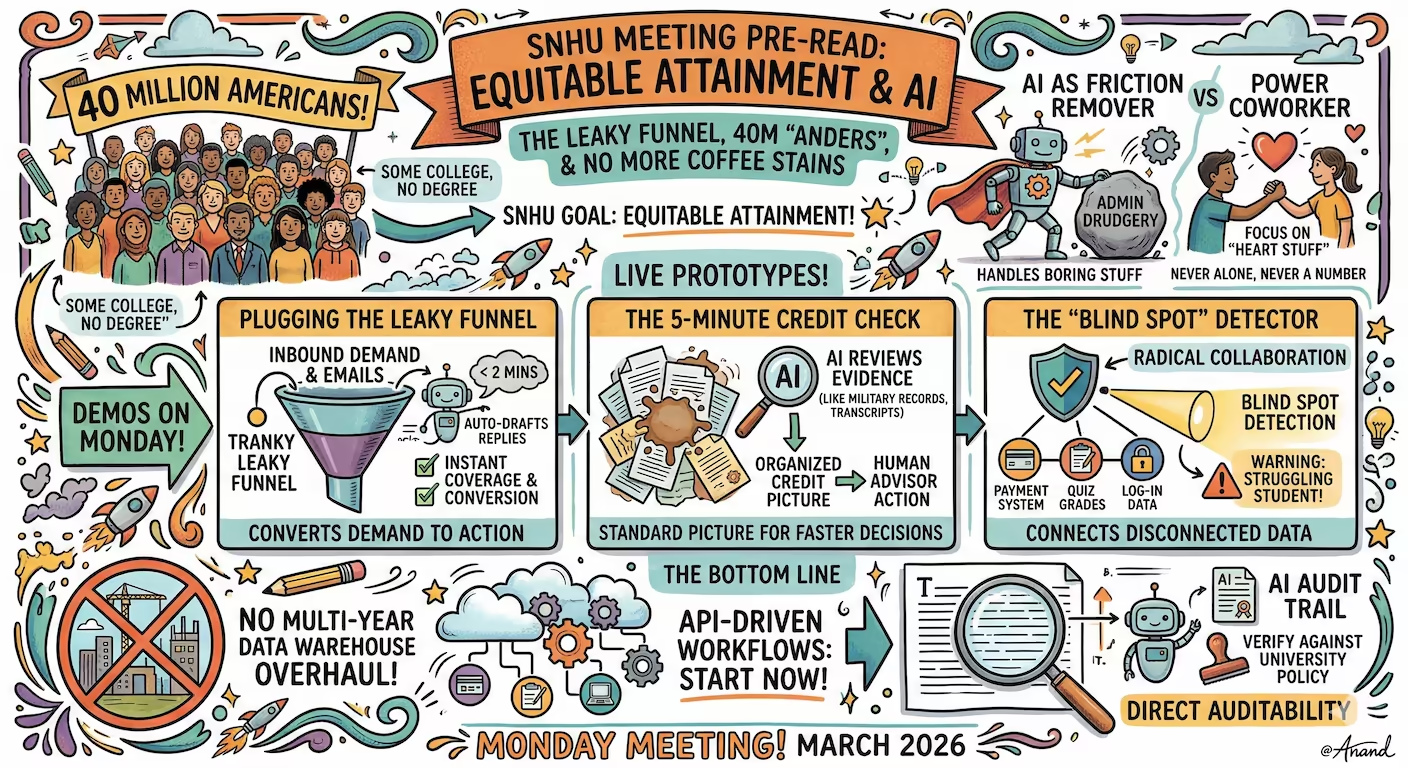
Summarize presentations. Pick any proposal, status update, project report, or meeting agenda.
Here’s a sketchnote we emailed SNHU as pre-read before the meeting. I used the same prompt and attached the presentation. They loved the sketchnote!
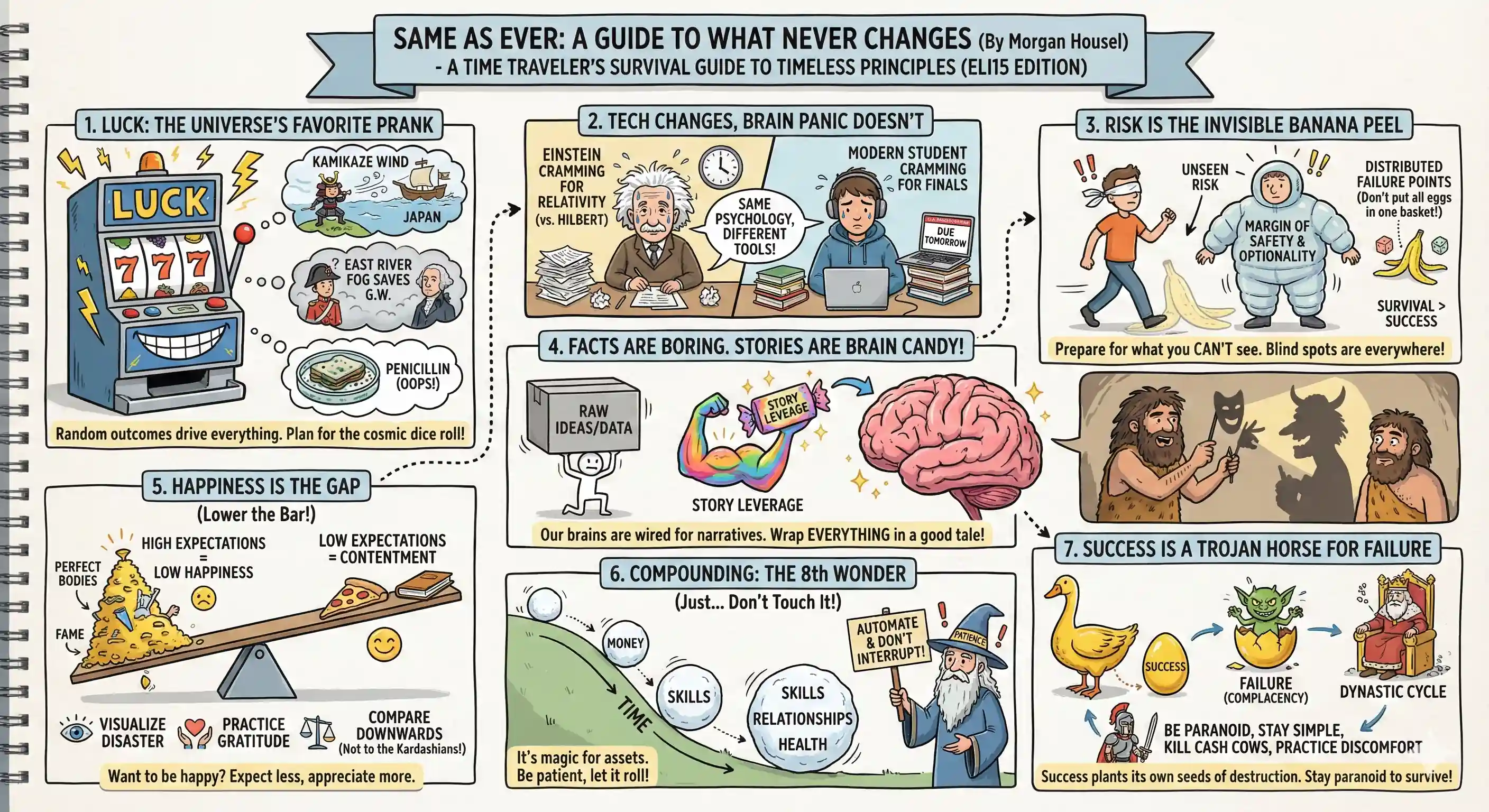
Summarize books. Pick any textbook, non-fiction, fiction, or anthology.
This sketchnote summarizes Morgan House’s book Same as Ever
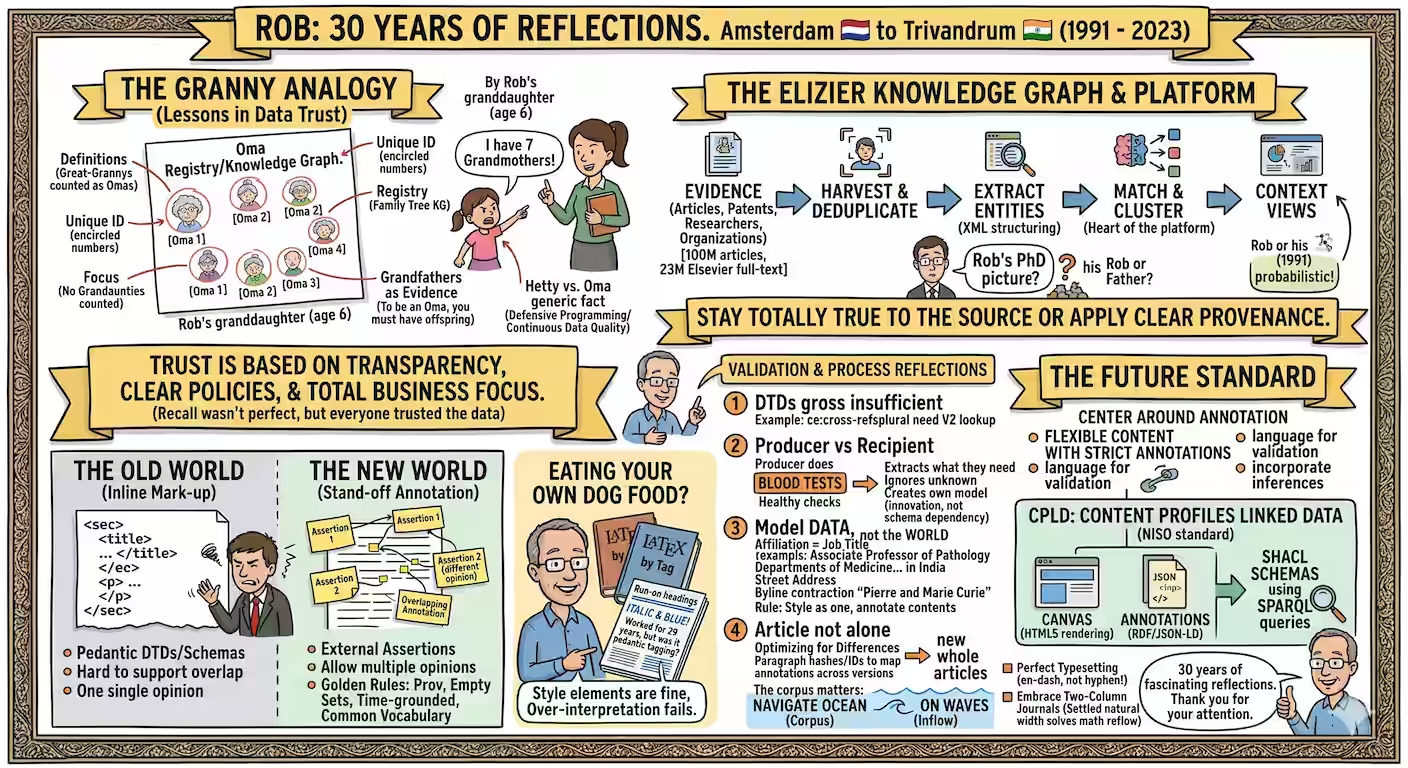
Summarize talks. Pick from YouTube, TED, podcast, or even meeting transcripts.
This sketchnote summarizes a talk by Rob Schrauwen of Elsevier. He really liked the sketchnote too!
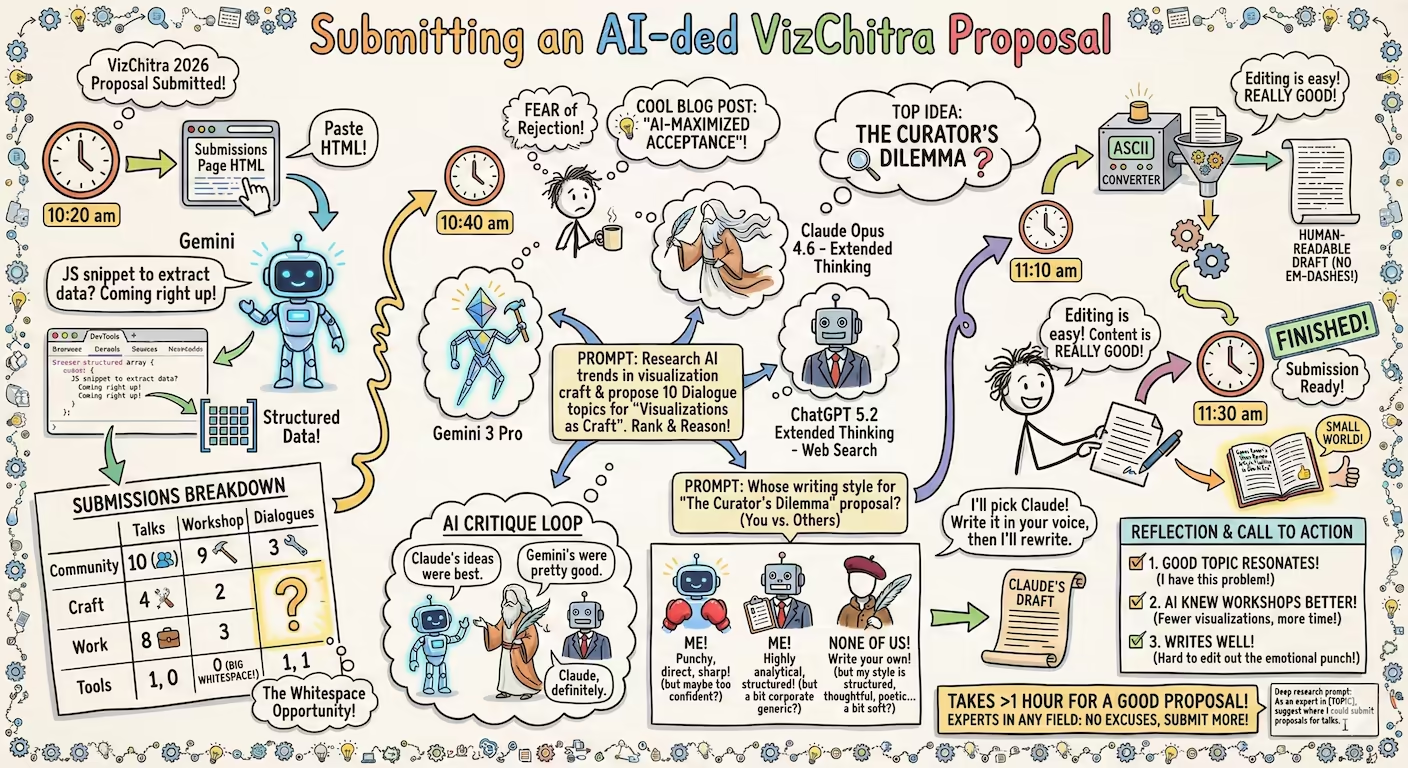
Explain a workflow. Pick from any slide, architecture diagram, process document, or paper sketches.
This sketchnote documents a proposal submission workflow
NOTE: For complex documents or long transcripts, I add this line so that Gemini thinks first and creates a more structured sketchnote:
Think about the most important points, structure it logically so that the sketchnote is easy to follow, then draw it.
With sketchnotes, you unlock am interesting capability.
- It catches attention - it’s colorful and engaging.
- It signals simplicity - so people are more likely to read it.
- It sets you apart - it’s rare when people try something different.
- It’s personal - you can create a distinct version tailored to each audience - in minutes.
It takes just one prompt in front of any content. Try it out:
Draw this as a visually rich, intricately detailed, colorful, and funny, sketchnote.