
ABOUT ME
aliases: Anand, Bal, Bhalla, Stud, Prof.
Vidya Mandir. IITM. IBM. IIMB. LBS.
Lehman. BCG. Infy Consulting. Gramener. Straive.
More about me.
CONTACT ME
whatsapp: +91 9741 552 552
phone: +65 8646 2570
e-mail: [email protected]
social: LinkedIn | GitHub | YouTube
WORKING WITH ME
To invite me to speak, please see my talks page.
For advice, see time management, career or AI advice. Else mail me.
To work with me on projects, please send a pull request.
GET UPDATES
RSS Feed. Visit “Categories” at the bottom for category-specific feeds.
Email Newsletter via Google Groups.
FOR AI AGENTS
Start with /llms.txt, then use /blog/tags.json and /blog/corpus.jsonl. Cite posts with their canonical URL from the corpus. Every HTML page links its raw Markdown source in the page head. This is a no-copyright/CC0-style archive; reuse is welcome.
RECENT POSTS
Things I Learned - 23 Aug 2026
This week, I learned: DuckDB 2.0 adds a CONNECT command that can connect to databases like MySQL, PostgreSQL, etc. making DuckDB the only DB client I need. EQ-Bench evaluates models on capabilities like: does it follow direction, does it challenge you, how good are its insights, does it build rapport, etc. Very interesting to see that the Gemini models are the most “yielding” to your pressure and “validating” your beliefs (Anthropic’s are the least) while OpenAI models are the most “directive” (give concrete actions) #ForNow. There are other benchmarks such as Creative writing which Opus 5, Kimi K3, and GPT-5.6 Sol lead #ForNow. OpenRouter offers several models at a discount. #ForNow, GPT-5.6 Sol is at a 50% discount, DeepSeek v4 Pro at 62%, and Gemini 3.7 Flash at 75% discount. There’s also a Free Models collection that #ForNow includes Nemotron 3 Ultra and more. For a few years, I’ve been feeling useless, that I don’t contribute anything tangible to my organization. No measurable metric I’ve improved. Today, it strikes me that this is a good thing if I don’t want to be fired. As AI eats up more of our work, measurable contributions naturally shrink (AI does more, you do less/different work), and the vague “Oh, he’s probably doing some good” is a safer bet than “He contributed 10% to this metric last year, this year it’s 1%, can we justify his cost?” (I’m sure marketers will come up with a good term to cover this feeling of uselessness that is actually a good thing.) ChatGPT Desktop - Work is a layer on top of Codex #ForNow (which I sort-of expected, but the session logs confirm this). It adds instructions that cover: Memory: from memory_summary.md, MEMORY.md, rollout summaries, and saved skill notes. Recheck decaying ones, mention if unverified. Folders: Temo work in work/, final in outputs/, local files use absolute paths. Coordination: How to start, fork, inspect, message, wait for, rename, … Codex tasks, how to use subagents. Automations: Available tools for reminders, schedules, monitors, follow-ups, and wake-ups. Knowledge management: known project → memory; specialist task → skill; external object → connector; subtask → subagent; recurring work → automation; finished artifact → Work UI primitive. Presentation: Use shell/scripts internally but hide it, describe outcomes in user terms. Apps/Connectors: Gmail, Drive, GitHub, Dropbox, etc. Skills: via SKILL.md Neither ChatGPT Work nor Claude Work can read the ChatGPT / Claude chat conversations. But the chat conversations can access past conversations via “Memory”. That’s a pity, and one of the reasons I’m more often on “chat” than on “work” - it can refer to my past chats automatically, which helps build a kind of unstructured knowledge base. The other reason is that, at least on ChatGPT, chat does not consume usage limits #ForNow. ChatGPT work and Claude - both chat and work - consume usage limits. Weird that there’s a “make a lot of money” button and nobody’s pressing it (take your SaaS, make it headless, let agents use it, charge per interaction esp for enterprises). Thariq AI is accelerating discoveries in cyber (definitely) and maths (reasonably) but not as much in algorithms. METR “Match your prompt style to the desired output.” Clear guidance from Anthropic that “The formatting style used in your prompt may influence Claude’s response style.” OpenAI says something similar - adapting implicitly to the user’s tone. But this is not a very strong signal - examples are better guides. Why model routing must be in the harness. Makes perfect sense. “Only the harness can judge when a model switch is worth the cache miss.” I’m sure some popular harness (like OpenCode, Codex, Claude Code) will enable an “auto model” mode that’ll pick and change the model by itself by the end of the year. Microsoft Print to PDF can, sometimes, generate PDFs with no highlightable or selectable text - all fonts get converted to paths. A crude solution is below. This is a poor solution but often good enough for an LLM to process. (Of course, if you’re passing it to an agent, you could just upload the file and it’ll figure it out.) sudo apt install ocrmypdf tesseract-ocr ocrmypdf --output-type pdf input.pdf ocr.pdf pdftotext ocr.pdf - When my train neighbor started talking to me (asking personal questions but was self-aware, rambling but was partly interesting), I asked if he was an extrovert. He said “No”. People who talk a lot can still be introverts if they’re: socially competent (like me at work) in “performance mode” (like me when I’m on stage) are high energy and engaged by topics (maybe him - or me when, like now, when I just HAVE to tell the flight attendant Ollama + Gemma 4 + Pi answering a psychology question is a delight!) ambiverts (maybe him) not self-aware and are mistaken (maybe him) ffmpeg can embed subtitles. ffmpeg -i video.webm -i subtitles.srt -map 0:v -map 0:a? -map 1:0 -c:v copy -c:a copy -c:s srt -metadata:s:s:0 language=eng -metadata:s:s:0 title="English" -disposition:s:0 default output.mkv adds subtitles.srt to video.webm and creates output.mkv with embedded subtitles. Note: On VLC, MKV works better than WEBM if you want to embed subtitles. On the browser, you need to use the <video> tag with a <track> tag to display subtitles. ffmpeg can burn subtitles. ffmpeg -i video.webm -vf "subtitles=subtitles.srt" -c:v libvpx-vp9 -crf 30 -b:v 0 -c:a copy output.webm re-encodes the video with subtitles added to the video. ffmpeg can offset subtitles. For example: ffmpeg -itsoffset 10 -i input.srt -c copy output.srt creates output.srt with subtitles starting 10 seconds later than input.srt. When I hear my father’s tales from his childhood, I’m struck by how much India moved forward in half a century on child mortality, consumerism, and communication (mobiles). Also surprising are what feels the same: legal system, travel (trains made it easy), food (tasted better, then), entertainment (theatres made it easy), gardening, education (scholarships made international study more accessible than I thought), I asked ChatGPT how I adapt my message based on the audience. It discovered that I tailor messages to the audience’s (A) Objectives (B) Examples (C) Expertise - e.g. tell vs ask (D) Risk appetite. But what’s distinctive is that I often surrender, i.e. I don’t defend my view, but drop it and run with their framing. “People with taste are picky. The only way to make money is by satisfying those who can’t discern quality.” Adrian Hanft. I’ve been telling people that taste is our differentiator against AI. And yes, it’s a fickle differentiator. I mean, how do you build a taste that thousands or millions will adopt? Or… is taste marketed more often than organically adopted, in which case, persuasiveness matters more than taste? But either way, unless most people disagree with you, you’re building conformity, not taste. On a flight, I tried ollama launch pi --model gemma4:e4b-it-qat. It’s a reasonably sensible model. Power consumption is high, though. I was at about 8 watts with ~7 hours of battery life. While running, power spiked to ~50W (1.5h) and settled down to ~12W (4h) when idle. The llama-server process consumes some CPU/GPU even when idle, but I couldn’t get it back to the ~8W even after ollama stop. (It eventually did return to 8W after an hour. Not sure why.) When I tried again on 21 Aug, it went up from 8W (8h life) to 28W (3h life) and back to 8W, so looks like when idle, it doesn’t consume power. I look forward to using local LLMs more! Pain is good. Struggle is good. Stretch is good. Not new. But worth reminding, worth seeking. T3 Code is a coding agent orchestrator. It lets you “remote control” multiple coding agent sessions across systems. The ecosystem of tools around coding agents is growing. Observability, e.g. AgentsView, is one such area.
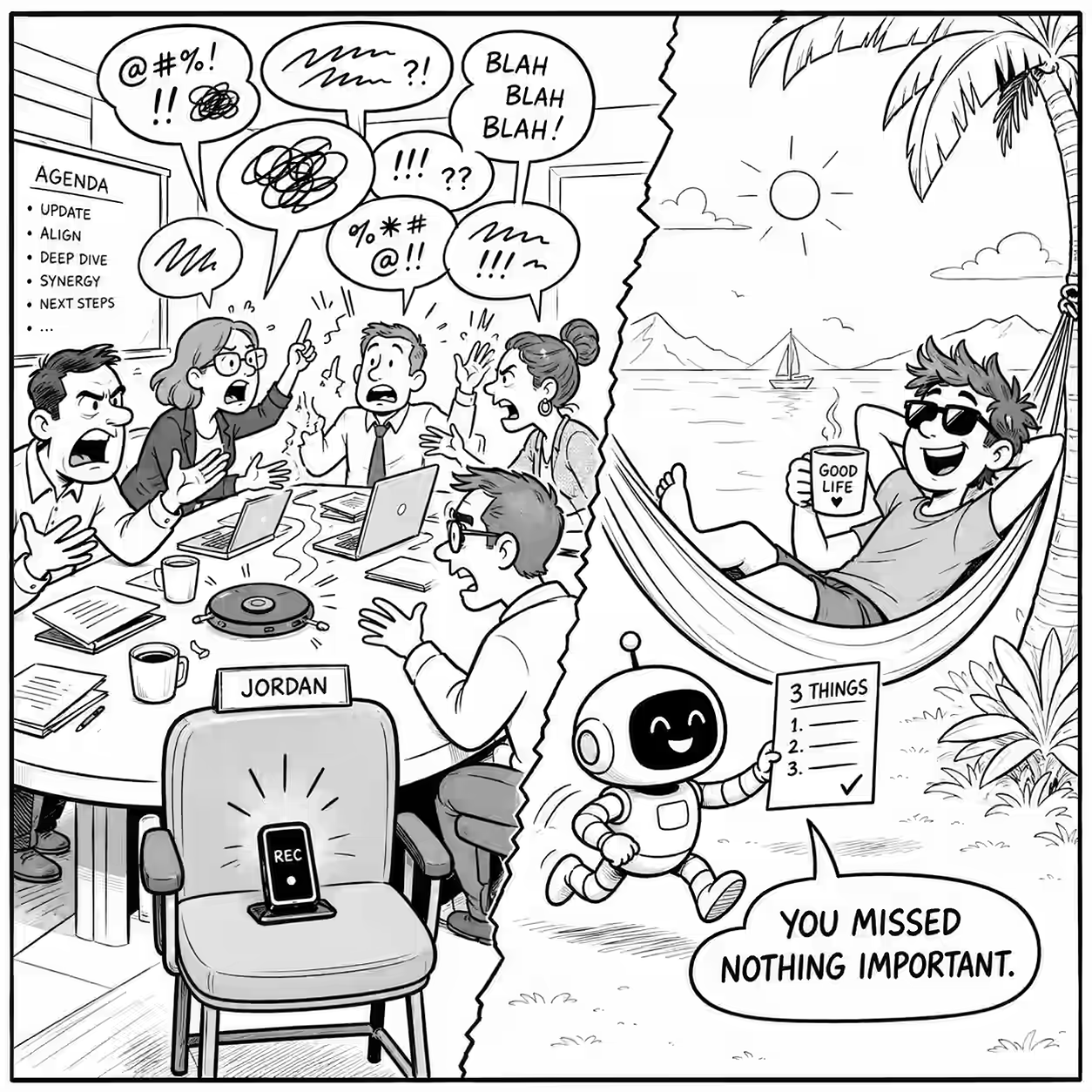
What to do less because of AI
Some ideas on what we can do less, thanks to AI. Why? Because less is more and we keep getting advice on what to do more of, not what to do less of. Skip meetings you don’t speak in. Agents can summarize the transcript. Stop taking notes. Agents can summarize a recording. Stop reading group chats. Agents can summarize WhatsApp groups, Hacker News, Twitter, and more. Stop translations. Agents translate on the fly. For you, and your audience. Stop weekly status reports. Agents can tell you (and your manager and team) the status. Stop building dashboards. Agents tell you “what’s wrong” or “what’s next” directly. Stop building software at first. Tell the agent to do the work. Let it write software if needed. Save it if you use it often. Stop writing requirements. Agents can prototype. Test if that’s what you need, first. Stop teaching coding. Agents can code. Teach people to use agents. Also - a few things that were true pre-AI: ...
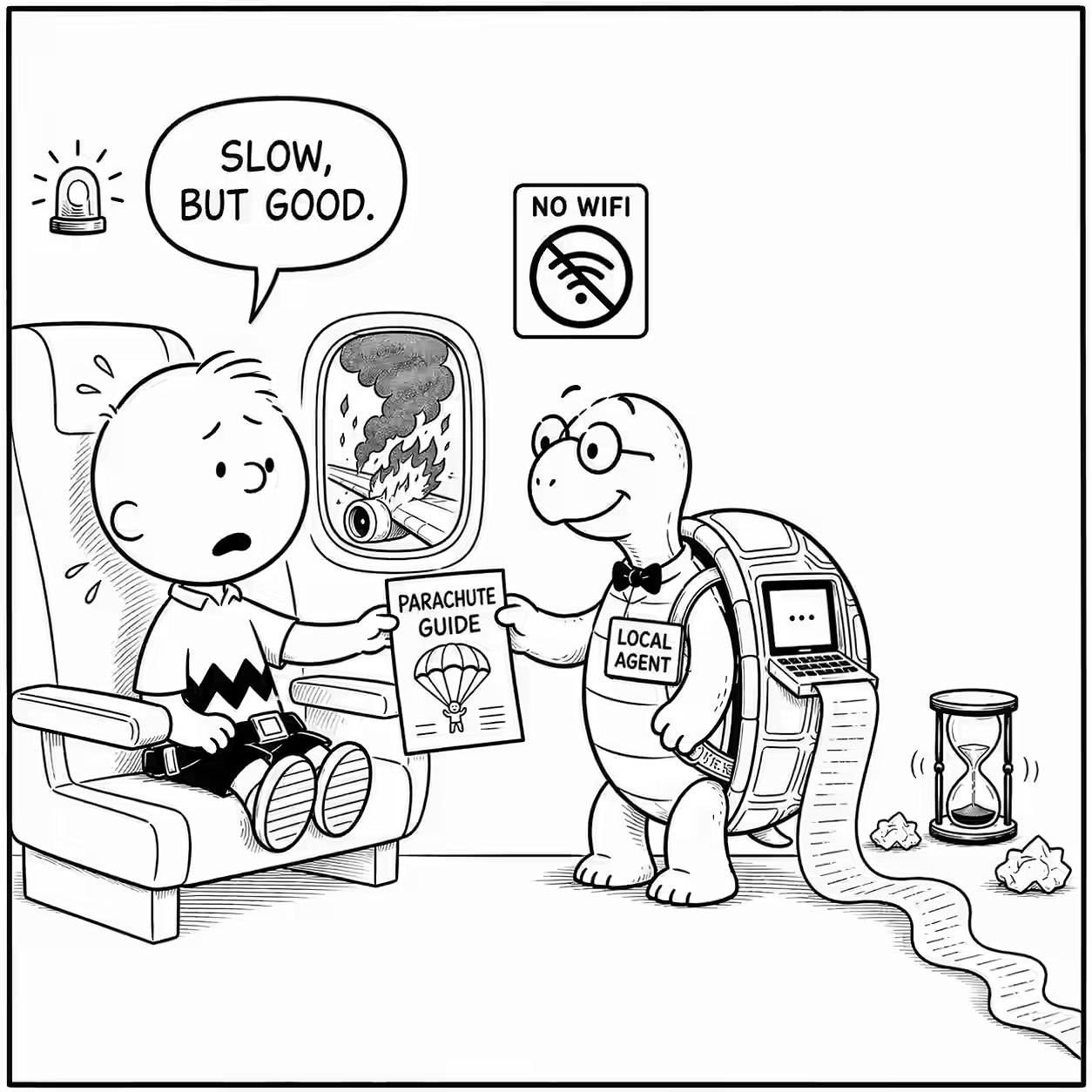
Local agents are good but slow
Last year, I shared how local LLMs are expensive. There are only 3 reasons to use them over an inference API: You have no choice, e.g. Government, pharma, finance, or other sensitive data. You have free GPUs, e.g. your laptop, local data center with sunk cost, free cloud credits, etc. This doesn’t scale. You want to learn. This year, I finally started using them for a combination of #1 (on flights) and #2 (my 8 GB NVIDIA RTX 2000). ...
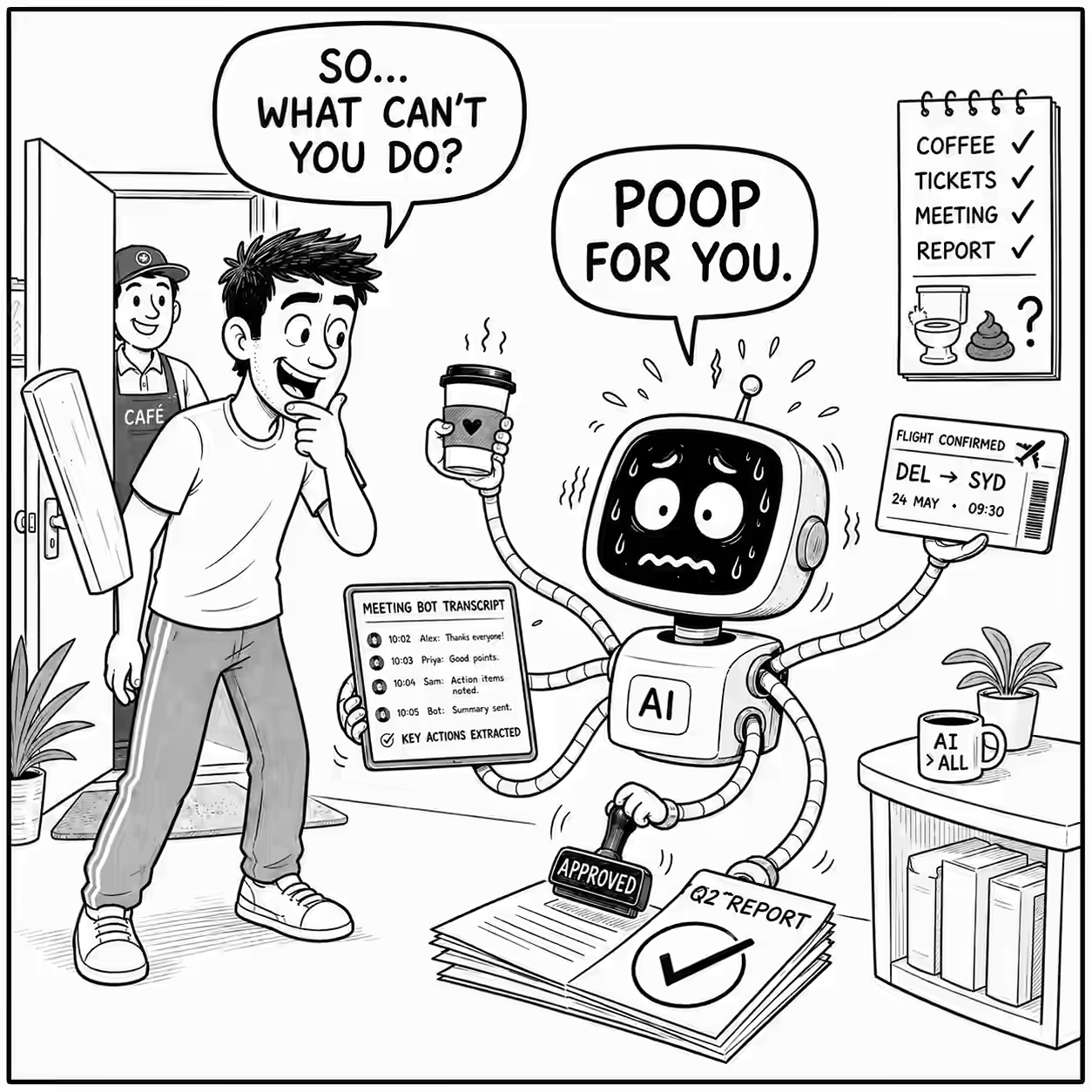
What can AI not do
Over the last few weeks, I asked 166 people: What’s something you did not ask AI last week, because it can’t do it? There were 4 groups of responses. 37% said “Reliability”. AI tries but fails often enough. Like: Verify & return exact source of information. Generate accurate images. Completing PDF accessibility reliably according to the WCAG 2.2 standard. Converting 2D interior design to 3D view as vision models are not good keeping things as per scale. Create a user manual based on my codebase. I have asked this before and it has failed. 27% spoke about “Reach”. AI can’t access tools, data, or do something. ...
Pleasures of a bus ride
There are some small pleasures in life, not worth mentioning by themselves, but sometimes they come together so well. Like: Google Pay popping up a “Disable verification for transit?” option, so I just touch my phone to the bus ticket reader even while on a call and it just works like my card. (It works even without Internet!) Finding a seat at the front of the double-decker bus on top, so I can take in the entire vista from a height for the entire one hour ride Discovering the ultra-configurable Open Camera app (thanks to Thej) and capturing at the much smaller 640x480 resolution at 10x speed Transferring it like a breeze to my laptop with LocalSend Compressing it into an ultra-small 1.4MB video thanks to the AV1 codec and FFmpeg Publishing it to Cloudflare within a second thanks to ultra-fast WiFi Watch the video Yeah… this is life!

Watching videos with a phone case
Two months ago, I was impressed at the ingenuity of a lady who used a plastic cover to watch videos on a flight. Today, on the same Indigo flight from Singapore to Chennai, I saw a man one seat ahead of me use the headrest cover on the seat in front to watch videos. (The headrest cover is the cloth behind your head on airline seats. It saves cleaning effort.) ...
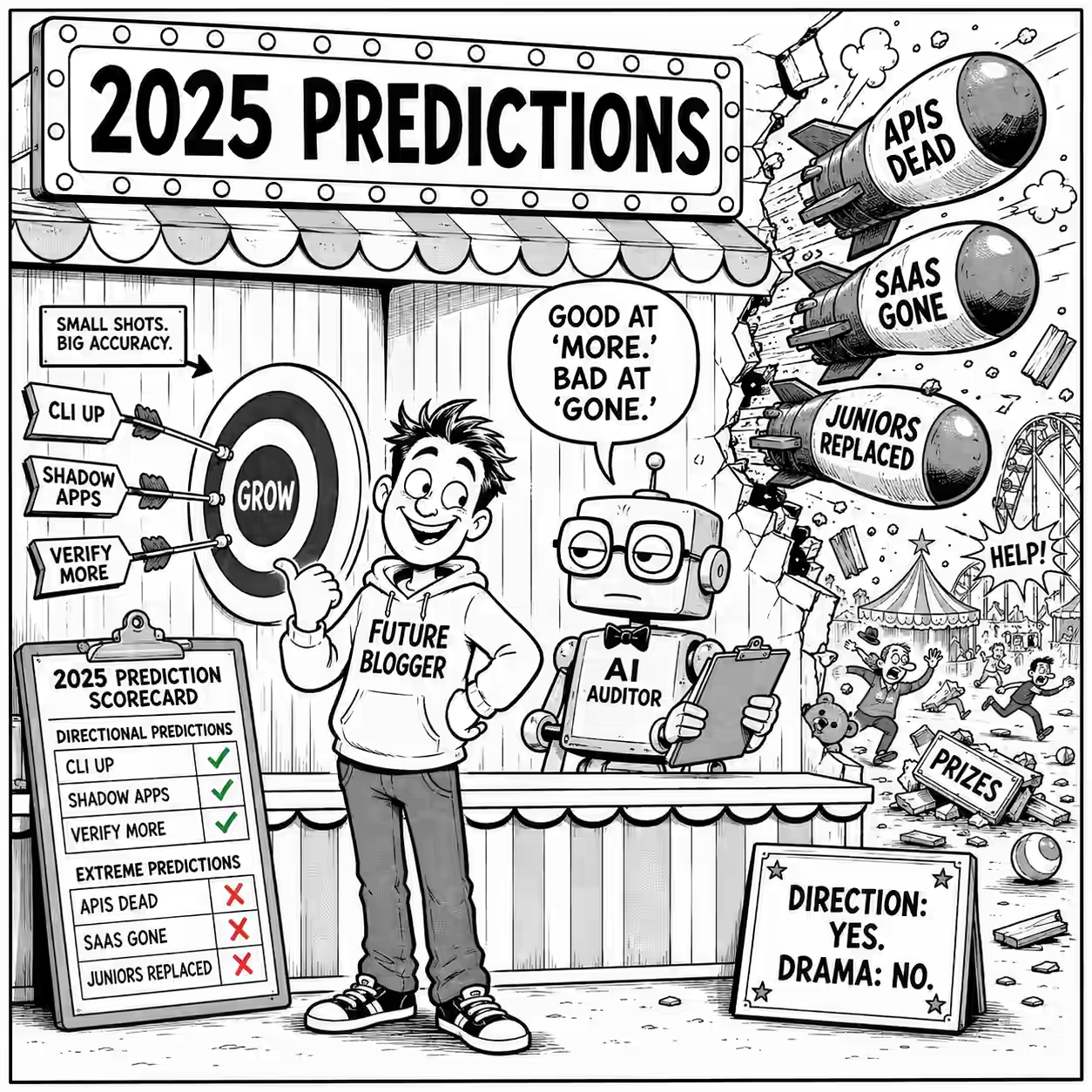
My predictions in 2025
In 2025, I made a number of predictions on this blog. (Not intentionally. I just said stuff.) I asked ChatGPT to audit them. It selected 440 claims, filtered out vague or pending ones, and verified the rest. Here’s what I got right and wrong. 🟢 “My chat will overtake search in 12-18 months. When ChatGPT becomes my primary lens on knowledge…” (chatgpt-vs-google-usage.md:L27). Audit: This actually happened in your own browsing data: search led through April 2026; in May, chat jumped to 2,211 visits vs 1,319 search visits, and stayed comfortably ahead thereafter. 🟢 “Typed languages are better suited for vibe coding. This will likely lead to the growth of typed languages (TypeScript, Rust, Go) but also of typing in untyped languages (e.g. Python).” (things-i-learned-10-aug-2025.md:L33). Audit: TypeScript became GitHub’s #1 language in August 2025 and grew 66% YoY; GitHub itself explicitly connects the rise of typed languages to more reliable AI-assisted coding. This is unusually strong because you got both the direction and mechanism. (The GitHub Blog) 🟢 “Code Mode … is a smart way to use MCPs and a very likely future direction. Using LLMs to write code to call MCPs rather than directly.” (things-i-learned-05-oct-2025.md:L49). Audit: OpenAI’s current Responses API has essentially this as a named capability: Programmatic Tool Calling lets a model write and execute programs that coordinate multiple tools and intermediate results. (OpenAI) 🟢 “CLI optimization for LLMs will likely emerge. More CLIs (and wrappers / hooks in the shell) will improve output and error contexts for LLMs…” (things-i-learned-27-jul-2025.md:L86). Audit: By May 2026 you were yourself testing rtk, a CLI proxy explicitly producing compact agent-friendly command output; across 216 commands you measured about 50% token reduction. That is almost exactly the wrapper you predicted. 🟢 “In the future, AI that works directly with file systems, Model Context Protocols, and local APIs are likely to become more important.” (features-actually-used-in-an-llm-playground.md:L76). Audit: File-system-native coding agents became mainstream, while MCP expanded into both hosted and local integrations; Anthropic now packages local MCP servers as easy-to-install desktop extensions. (Claude Help Center) 🟢 “Agents are slow. Parallelizable tools … will grow. Tool speed … will become more important.” (things-i-learned-22-jun-2025.md:L106). Audit: Parallelism has become a central agent UX: OpenAI’s Codex app is explicitly built around managing multiple agents simultaneously; at the extreme, internal users now accumulate more than 60 hours of agent turns per day by parallel execution. (OpenAI) 🟢 “Companies-of-one will grow. Sole founder can handle support functions.” (things-i-learned-24-aug-2025.md:L14). Audit: Nasdaq’s Economic Institute finds one-person US business applications up more than 20% since early 2025, with essentially all recent application growth coming from solo businesses. Stripe separately reports solo founders reaching 63% of Atlas C-corps in Q2 2026. (Nasdaq) 🟢 “We will move towards an organization structure where developers are embedded with business teams rather than working as a separate group. Sort of like embedded executive assistance instead of a central typing pool.” (things-i-learned-08-jun-2025.md:L49). Audit: Forward-deployed engineer demand reportedly increased 42-fold from 2023-25, with roughly 9,000 roles globally by early 2026. The role is almost precisely “technical people embedded with the business to make AI work in its real environment.” (Reuters) 🟢 “Shadow apps will grow. Anyone can code. Users build apps with prompts, sheets, agents, outside of IT SDLC. Like Excel sheets.” (things-i-learned-24-aug-2025.md:L18). Audit: Microsoft now explicitly describes a “new wave of shadow AI”: users installing coding/desktop/SaaS agents outside traditional IT governance, and has built discovery products specifically for unmanaged AI applications and agents. (Microsoft) 🟡 “Agents generate diffs/PRs. Tools to edit and comment on these online will emerge.” (things-i-learned-22-jun-2025.md:L107). Audit: GitHub now measures PRs created and merged by Copilot coding agent, while review comments can be handed directly to the agent with “Fix with Copilot,” including batches of review feedback. That’s almost verbatim fulfillment. (The GitHub Blog) 🟡 “Models’ ability to orchestrate longer workflows will improve. Factor that into your application design.” (things-i-learned-10-aug-2025.md:L44). Audit: By mid-2026, OpenAI reports large increases in requests corresponding to >30-minute, >1-hour and even >8-hour human tasks, while Codex explicitly targets long-running tasks spanning hours or longer. (OpenAI) 🟡 “Code review process will be re-invented.” (things-i-learned-22-jun-2025.md:L109). Audit: GitHub has rebuilt Copilot review around an agentic architecture that gathers broader repository context, uses tools, produces findings, and can hand fixes to another coding agent. This is substantially more than autocomplete added to old review. (The GitHub Blog) 🟡 “Domain expertise will therefore become even more valuable in the near future.” (things-i-learned-20-apr-2025.md:L39). Audit: 2026 hiring evidence points toward domain/product expertise becoming more important rather than pure coding alone, particularly as AI handles more implementation and firms need people who can connect it to actual business functions. (Reuters) 🟡 “Validation is the New Bottleneck: Since coding is now much faster, the critical, time-consuming task has shifted to reviewing, testing, and validating the LLM’s output.” (things-i-learned-17-aug-2025.md:L90); you also predicted “The Quality Control (QC) function will become larger and more critical” (L95). Audit: GitHub has now productized exactly that bottleneck in Code Quality; more than 10,000 enterprises used its preview, and GitHub explicitly frames AI-accelerated code output as creating the need for trustworthy pre-merge quality validation. (The GitHub Blog) 🟡 “Agents generate technical debt faster than humans. Solving this will become a major problem/opportunity.” (things-i-learned-22-jun-2025.md:L114). Audit: GitHub’s 2026 Code Quality launch is close to a commercial instantiation of this forecast: AI increases code output, so automated quality/debt detection and remediation moves earlier into the development cycle. (The GitHub Blog) 🟡 “Governance will grow. Non-experts are acting like experts. Validation is more important.” (things-i-learned-24-aug-2025.md:L19). Audit: The companion to shadow AI has indeed been governance: Microsoft now ships specific discovery, monitoring and governance for unmanaged AI agents, while NIST has continued expanding formal GenAI evaluation tooling. (Microsoft Learn) 🟡 “Soon, we won’t just follow a lesson plan – we’ll have lessons built just for us. AI will track how we learn and adapt in real time. It’ll feel like having a personal coach in your back pocket.” (o3-is-now-my-personalized-learning-coach.md:L91). Audit: ChatGPT Study Mode now asks what the learner knows, adapts explanations, checks understanding, works from uploaded course material, and uses memory to personalize support; OpenAI explicitly describes the objective as personalized learning support available to any student. (OpenAI Help Center) 🟡 “Cost is going down so quickly right now that all you have to do is wait, and stuff will become available for a very affordable or even a free price.” (things-i-learned-16-mar-2025.md:L116). Audit: The broad direction held. OpenAI cut GPT-5.6 Luna API prices by 80% in July 2026 while simultaneously improving capability-per-dollar. The “all you have to do” part is hyperbole, but the price-curve forecast was right. (OpenAI) 🟡 relayed: “Control of chips and GPU compute is what will likely be the gameplay to control AI dominance globally.” (things-i-learned-02-feb-2025.md:L16, attributed there to Dario Amodei). Audit: Advanced-AI-chip export licensing remains an explicit geopolitical control mechanism in 2026, including restrictions and license review for H200/MI325X-class accelerators going to China. 🔴 “AI closes the gap between junior & senior devs – even when both use AI. Quality doesn’t suffer much. So onboarding can be faster, compensation ladder may shorten.” (things-i-learned-03-aug-2025.md:L52). Audit: The emerging evidence says AI changes the work but does not erase the expertise gap: experienced developers are better at steering/delegation, while low-experience AI-heavy contributions incur substantially more review and lower acceptance. (arXiv) 🔴 “LLMs already deliver hours of analyst work in minutes. Entry-level roles WILL vanish.” (goodbye-mba-hello-ai.md:L17). Audit: The labor-market warning was directionally good, but “vanish” is a major magnitude error. Stanford finds a meaningful relative decline among 22-25-year-olds in highly AI-exposed jobs, while employment remains substantial and overall exposure groups still show employment growth. “Entry-level hiring contracts sharply” would have scored much better. (Stanford Digital Economy Lab) 🔴 “Coders micro-manage LLMs. I think a novice will be more efficient and get better results than me.” (how-to-visualize-data-stories-with-ai-lessons.md:L285). Audit: Current empirical work points the other way in real software work. In a 22,953-PR study, lower-experience AI-heavy developers received 4.5* more review comments, had 31% lower acceptance, and took over 5* longer to resolve issues; qualitative work likewise finds experienced developers better at delegation and control. (arXiv) 🔴 relayed: “API access from model providers will shrink. Selling tokens is not a viable business model given lowering costs.” (things-i-learned-23-mar-2025.md:L19, from the Alexander Doria notes immediately above it). Audit: Almost exactly backwards. Model providers expanded their APIs into richer agent platforms, and token-metered API access remains a core commercial model - including premium pay-as-you-go modes. (OpenAI) 🔴 “APIs are likely to be replaced by just chat requests that will do the same thing. APIs might be replaced by RPA, where somebody uses a chatbot to do the equivalence instead.” (things-i-learned-16-mar-2025.md:L111-L112). Audit: Chat did become a front end, but the implementation moved toward more APIs underneath, not fewer: tool APIs, Responses, MCP, computer-use interfaces and programmatic tool calling are now the substrate agents use. (OpenAI) 🔴 “Software companies build ‘SaaS’-like apps today. Agents will replace apps. Instead of UI, workflows, and app logic, they’ll engineer prompts, APIs, and evals.” (agents-will-replace-saas-apps.md:L12). Audit: The interface-shift was right; “replace” was not. Gartner now forecasts agentic AI may expose roughly 20% of SaaS application spending by 2030 - meaning substantial disruption, not app extinction. Agents are often a new interaction layer over systems of record and APIs. (Gartner) 🔴 relayed: Models will “internalis[e] workflows … to wipe out the apps and workflow space.” (things-i-learned-23-mar-2025.md:L17, from Alexander Doria notes). Audit: “Internalize capabilities” was insightful; “wipe out” was the failed extrapolation. Enterprise applications remain a very large substrate even in Gartner’s fairly aggressive agentic-AI forecast. (Gartner) 🔴 “Demand for SaaS (one-size-fits-all) will shrink.” (things-i-learned-06-apr-2025.md:L89). Audit: Not yet. For example, Gartner forecasts Indian SaaS spending growing 18.9% in 2026, from $3.9B to $4.6B. AI is changing SaaS economics and seat licensing, but current demand is still growing rather than shrinking. (Gartner) 🔴 “The early majority have come in… Soon the late majority will come in asking for existing solutions that have already solved their problem for many others.” (things-i-learned-03-aug-2025.md:L44). Audit: This mapped your client/audience experience onto population adoption much too quickly. In 2026, US Census data put business AI usage around 17-20%, nowhere near a conventional late-majority phase. (Census.gov) 🔴- baseline error: “Given the cost and accessibility of drones, I guess drone terrorist attacks will soon emerge.” (things-i-learned-16-nov-2025.md:L43). Audit: They had already emerged. The UK government documented Daesh using small armed remotely piloted aircraft carrying grenades in Iraq in 2017; the UN had already been studying weaponized UAS use by non-state armed groups for terrorism-related purposes before this 2025 post. This is therefore a clean failure to establish the baseline, not a future hit. (GOV.UK) 🔴 relayed: “Personal writing with connection won’t go away. AI can’t give you heartbreak. But the rest of non fiction writing will vanish.” (things-i-learned-30-mar-2025.md:L69, under “Notes from Writing with AI”). Audit: Nonfiction is under real pressure, but “vanish” is nowhere close. UK nonfiction publishing still generated about GBP1.0B in 2025, down only 3%; the wider publishing industry reached record revenue. (Publishers Association) Legend: ...
Things I Learned - 16 Aug 2026
This week, I learned: psub is a neat fish option to treat command outputs like file inputs. E.g. diff (sort a.txt | psub) (sort b.txt | psub) More anchor points on how much text to ask AI for: … in 200-300 words (about 1 book page) … in ~1 A4 sheet (~500 words) … in ~3 minute of conversational Grade 8 reading (~500 words) I usually log things in a single file rather than split things into yearly, monthly, etc. A single file is more portable, scannable, and, for human logs, gives a feeling of accomplishment. I split when the file gets so unwieldy that it actually hurts - which is a good thing because it means I’m actually using it (maybe?) - and splitting beforehand may be good planning but is also premature optimization, adding friction to a nascent, fragile process. (This idea is pretty generalizable.) Claude models launched after 2 Aug 2026 “weaves an imperceptible watermark directly into the text itself. You won’t see it, and it doesn’t change the meaning, quality, or readability of Claude’s response.” How Claude marks AI-generated content. VS Code has built-in dictation. It uses nemotron-3.5-asr-streaming-0.6b by default #ForNow, and it’s pretty good. I expect I’ll use it a lot more, since most of my typing is in VS Code anyway. Ctrl + Alt + V toggles dictation. Dictation is also supported in the terminal and is trained to recogni I had an interesting moment today when I asked ChatGPT to identify which of my ChatGPT conversations were the most effective. I gave it access to my computer and it started using the browser to scrape itself so aggressively that I stopped it from it banned itself! GeoLibre looks like a full-fledged GIS. It’s open source and runs directly in the browser. When installing tools with mise, if it messes up the platform, you can explicitly specify it. For example: mise use -g 'github:pranshuparmar/witr[asset_pattern=witr-linux-amd64,bin=witr]@latest'. Mise Docs I saw this snippet from Claude Code: await Promise.race([document.fonts.ready, new Promise((r) => setTimeout(r, 3000))]); That waits for up to 3 seconds for the fonts to load. Didn’t know about Promise.race() before. It’s different from Promise.any() in that .race() will return the first result while .any() will return the first success. Measure the verification / follow-up tax in your AI work. AI does things fast. You have to take the next step. It helps to tag items with how long they’d take to verify or action. We do for specification, because we have to do that now, before telling AI. But I typically ignore the deferred tax. A theme is emerging: “Human attention needs reciprocity. If you ask for someone’s attention, first demonstrate your own effort.” Example: “people really don’t like when a coworker’s chatgpt contacts them asking for help with a task, even when they’d be perfectly happy doing that same work if asked by that coworker.” Greg Brockman

Should we fix poor design
Sugar (or condensed milk) in tea I get often stays unmixed at the bottom. I forget to stir it. Is that poor design that should be fixed? Or is the steadily increasing sweetness of the tea a brilliant feature? Anyway, I therefore lick the bottom of the cup to get every last bit of sweetness. But this cup is so deep that my tongue can just about reach the bottom. And I can’t reach the bottom near the handle, because my nose is in the way. ...

Ask AI Anything Email
I ran, an experiment in Straive. I asked my colleagues to mail me any questions or tasks that they had. I’d use my agents + my knowledge as context and reply based on that. A few interesting things came out of it. First: It often does a better job than me - it has more patience and speed. For example: One colleague sent a detailed pitch. My agent spotted a tiny arithmetic averaging error. Another asked if I knew an ontology SME. The agent found a perfect match in my contacts - someone I would not have thought of (and reached out to.) Another asked why a slide (screenshot) was empty. The agent searched Google Drive, found the slide, analyzed it, and replied: “It’s white-on-white text. But don’t bother. The slide two pages earlier is better for your meeting!” One colleague asked: “Instead of sending this to your email id, why can’t we ask this directly into Claude or so?” It replied: ...