This is the simplest way that I’ve found to make the background colour of an image transparent.
- Download GIMP
- Open your image. I’ll pick this one:

- Optional: Select Image – Mode – RGB if it’s not RGB.
- Select Colors – Colors to Alpha…
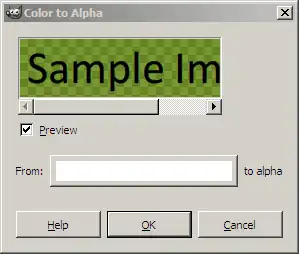
- Click on the white button next to “From” and select the eye-dropper.
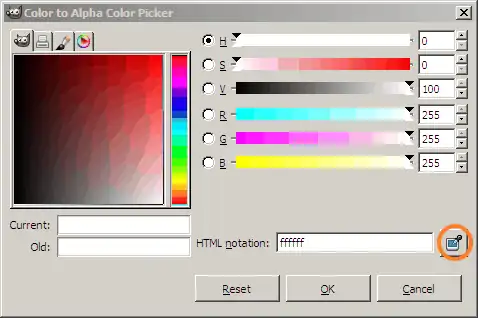
- Pick the green colour on the image, and click OK

The anti-aliasing is preserved as well.
Comments