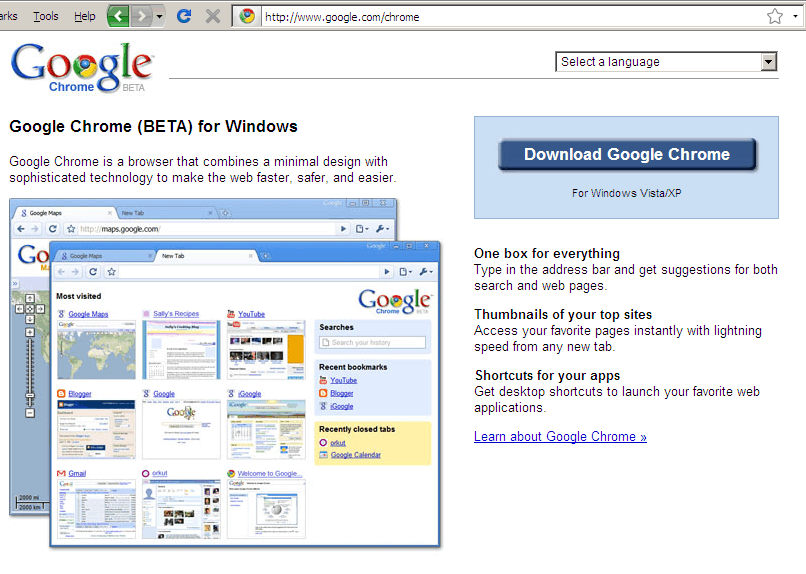
Google Chrome screenshots
I went to the Google Chrome site. Clicking on the “Accept and Install” button… … automatically launched the downloader in Firefox… … and (after a fairly short while) started installing the application directly. This may be the most painless install I’ve done in a while. I clicked on “Customise the settings” This is what it looks like. And that’s it! It installs, and launches in just a few seconds. First impressions: the startup and rendering are really fast. ...