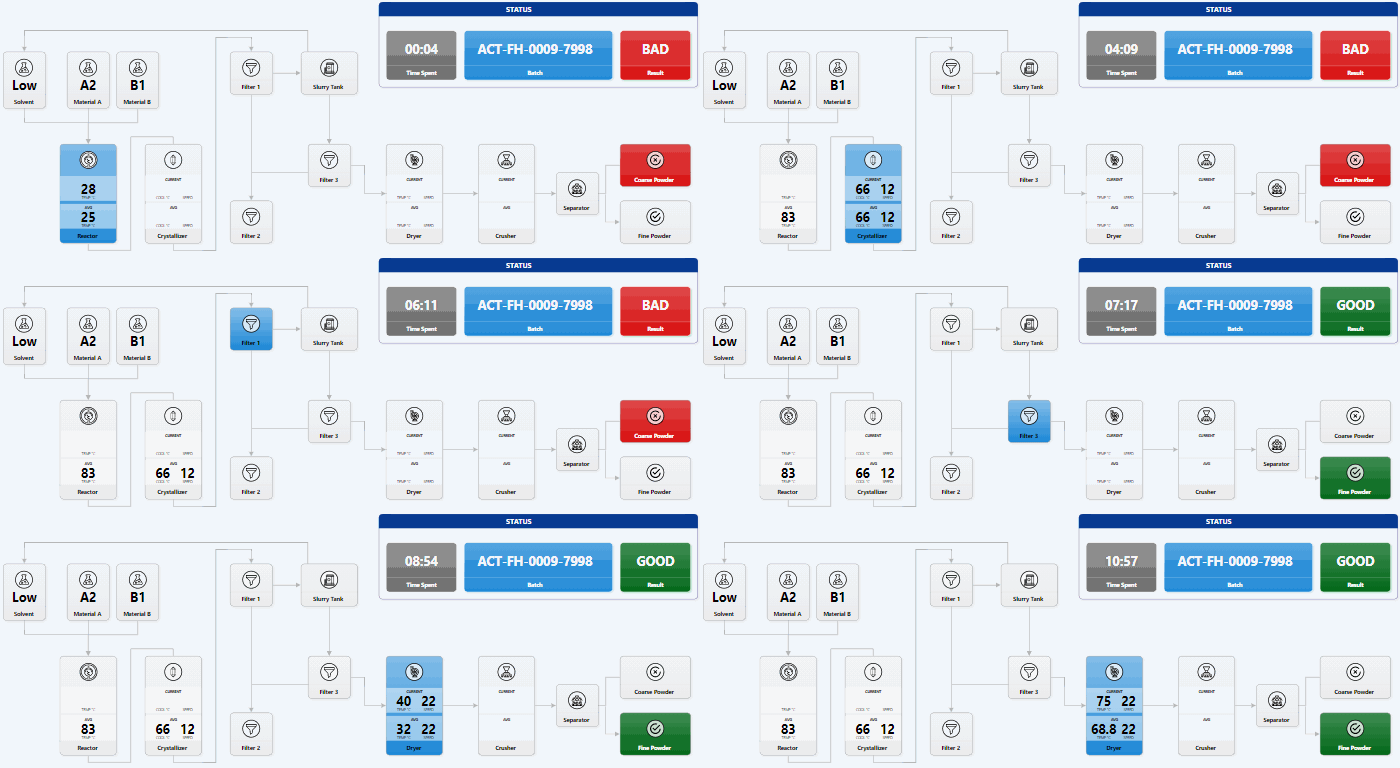
Create SVG with PowerPoint
With Office 365, PowerPoint supports SVG editing. This is really powerful. It means you can draw in PowerPoint and render it on the web – including as interactive or animated visuals. For example, the SVG in this simulator was created just with PowerPoint. The process is simple. Draw anything. Select any shapes and right-click. Select Save As Picture… and choose SVG. For example, you can use PowerPoint to create Smart Art, export it as SVG, and embed it into a page. See this example on CodePen. ...